
Here we describe how to setup astozi systemONE with SMSEagle for SMS notifications.
SMSEagle is an offline hardware SMS gateway. Therefore no external connection to 3rd party system is required. All notifications are generated on-premise and sent directly to a cellular network. This solution can be used in secure installations without Internet access.
SMSEagle Setup
Create a new user in SMSEagle (menu Users > + Add Users) with access level “User”.
Open the menu Settings > SSL page. Set Forward HTTP to HTTPS to “No”.
Astozi systemONE Setup
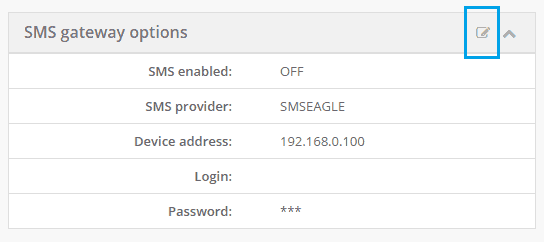
All configuration related to SMS Gateway settings messages is done from the Configuration -> Gateway -> Notification page.
In SMS gateway options click Edit icon.
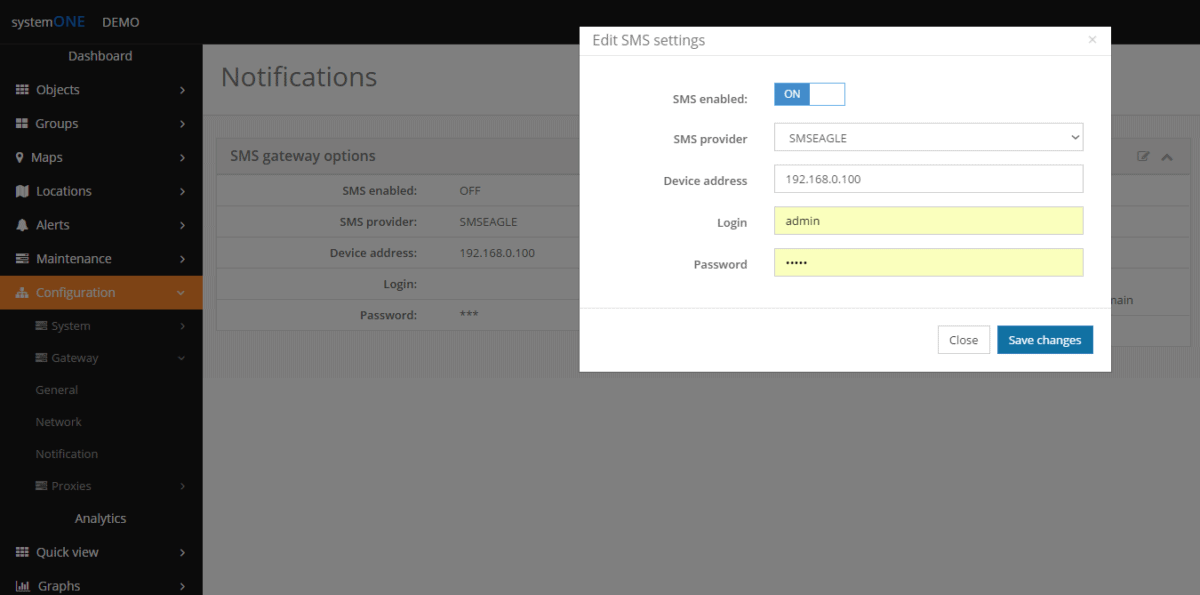
In a pop up window select:
SMS enabled: ON
SMS provider: SMSEAGLE
Device address: enter SMSEagle IP address
Login: SMSEagle user login
Password: SMSEagle user password
And confirm with Save changes
From now on, all SMS notifications in systemONE will be sent via SMSEagle gateway.
Explore SMSEagle Demo device
SMSEagle is a hardware & software solution that guarantees a swift delivery of your messages to designated recipients, whether it’s for notifications, alerts, or important updates.
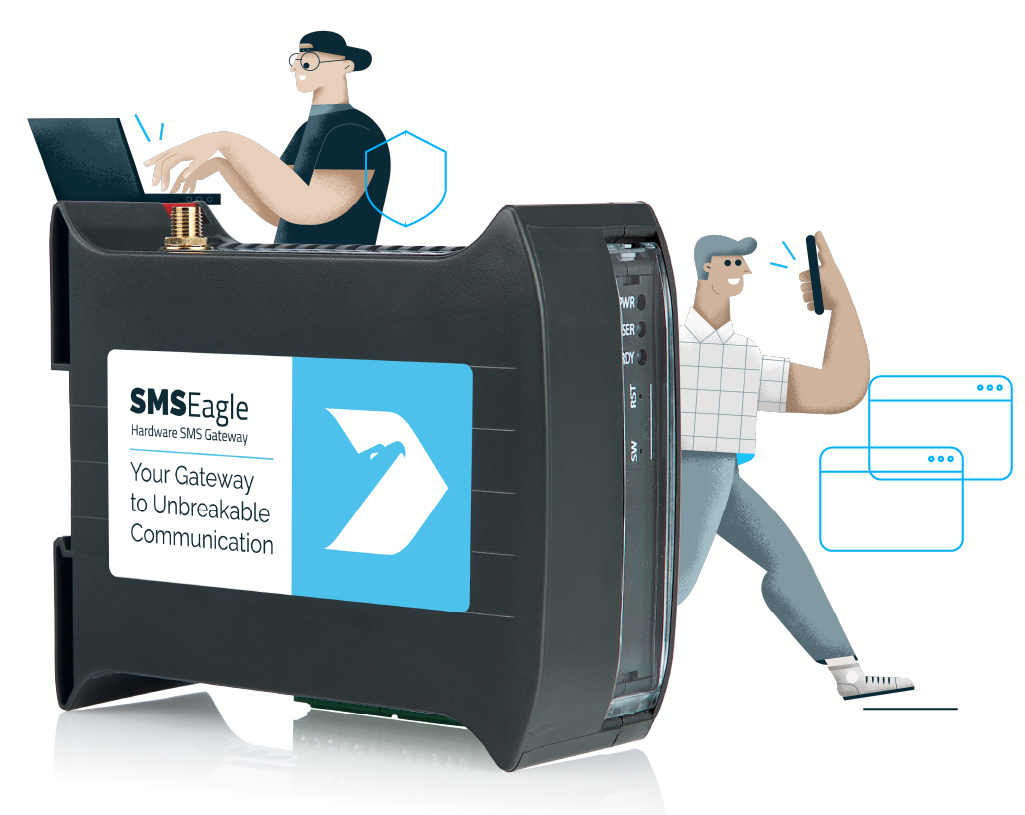
After registering to a demo you get a remote access to our physical device NXS-9750.