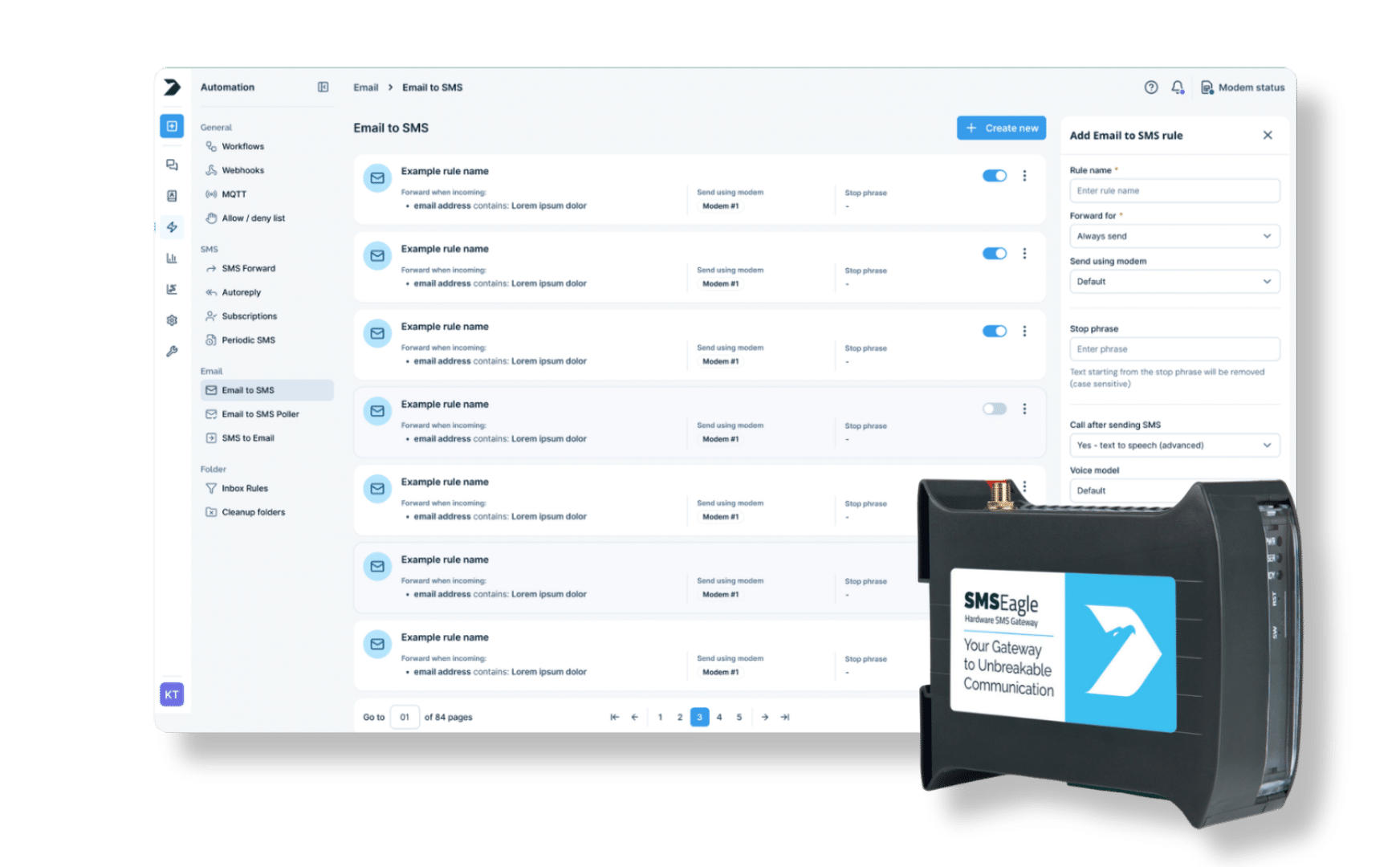
SMSEagle combines hardware and software into a single, self-contained gateway. It is designed for critical environments, so security is built in from the ground up, confirmed by CE, FCC, ISED, UKCA, PTCRB, RCM, IMDA, TDRA, CB Scheme, GCF, carrier certifications (Verizon, AT&T) and ISO 27001.
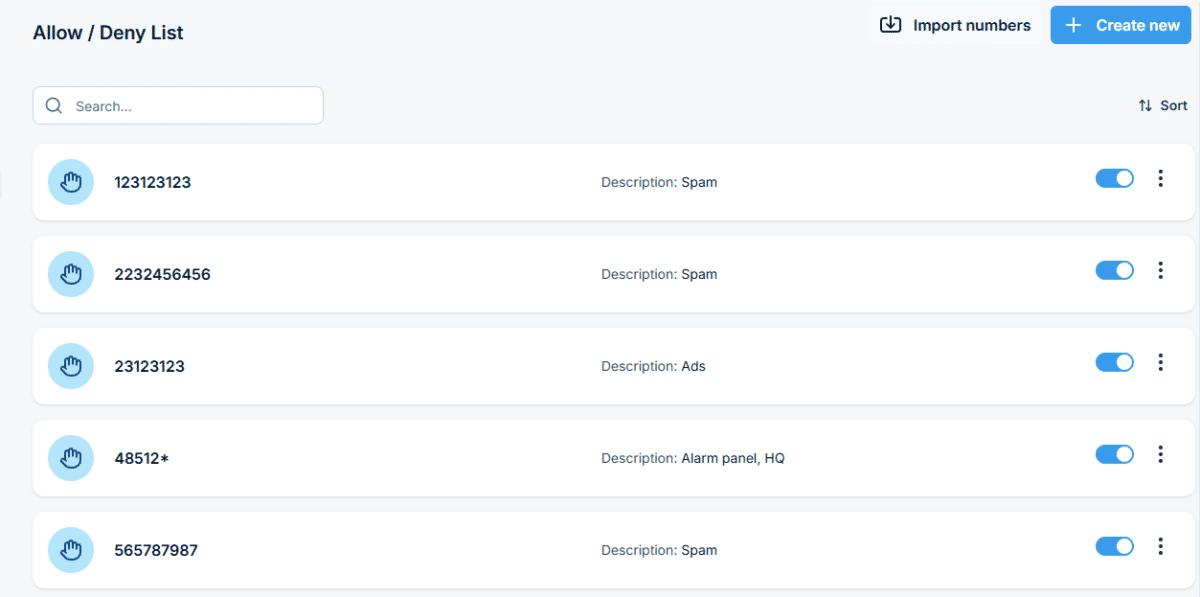
Choose one of three modes: Allow selected permits only numbers on your list and blocks everything else; Deny selected blocks only numbers on your list and permits everything else; Disabled turns filtering off entirely while keeping both lists for later use.
Can I use number ranges instead of single numbers?
Yes. A number with an asterisk at the end, like +4420*, covers every number with that prefix, such as a whole country.
Does the list control outgoing messages too?
Yes. The same list restricts both incoming SMS and the numbers SMSEagle can send to.
Can I import a list instead of adding numbers manually?
Yes. Import numbers in bulk from a CSV file.
Can people opt out by texting a keyword?
Yes. Set a word, such as STOP, that automatically adds the sender’s number to the Deny list. Choose the equals match rather than contains, so a number is added only when the message is exactly that word, not whenever the word appears in a text.
Which SMSEagle devices support Allow/Deny List?
Allow/Deny List is a built-in feature available on all current SMSEagle hardware SMS gateways.