Handling incoming messages across SMS, email, WhatsApp, and Signal, then reacting with a matching SMS, email, or voice call, usually means a separate rule for every channel. Workflows lets you build one no-code rule that reacts to a trigger and acts across any combination of channels.
Rules spread across many modules are hard to control and easily conflict
Workflow Automation brings them together: one rule handles SMS, email and messaging apps.
SMS, MMS, email, WhatsApp and Signal, plus voice calls
A rule is started by an SMS, MMS, email, WhatsApp or Signal message. In response you can send a message on any of these channels or make a voice call (a call can only be a response, not a trigger).
Sender, subject, and content - combined
Match on sender, subject, or message content, with AND inside a condition group and OR between groups, plus Not Equals and Regex Match for exact control.
One rule, an SMS and a call together
Fire more than one action from a single rule, for example an SMS and a Text-to-Speech call at the same time.
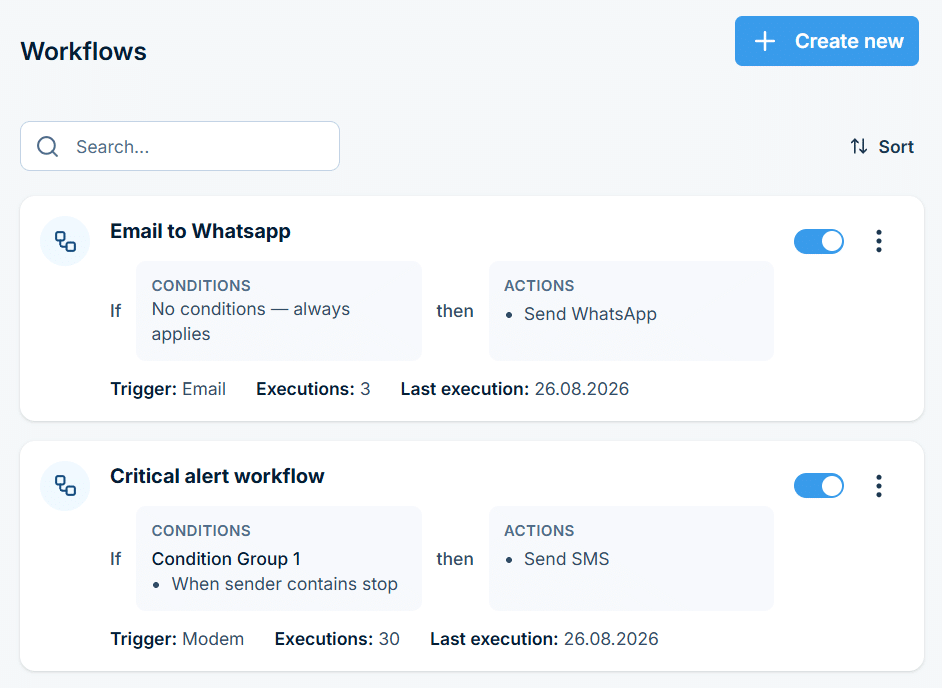
See, edit, and toggle every workflow rule without hunting across separate channel settings.
Any messaging channel can be the trigger
Start a workflow from any incoming channel or event
Name the workflow and pick what kicks it off, SMS, email, WhatsApp, Signal, or another event, as the starting point for everything that follows.
The rule runs only when it should
Filter precisely with AND/OR condition groups and Regex Match
Combine sender, subject, and message content with AND/OR grouping and precise match operators, so the workflow only fires on the messages that actually match.
One trigger, several outcomes
Fire multiple actions from a single rule
Send an SMS, a WhatsApp message, a voice call, or all of them at once, with placeholders such as {{sender}} or {{content}} in the message text.
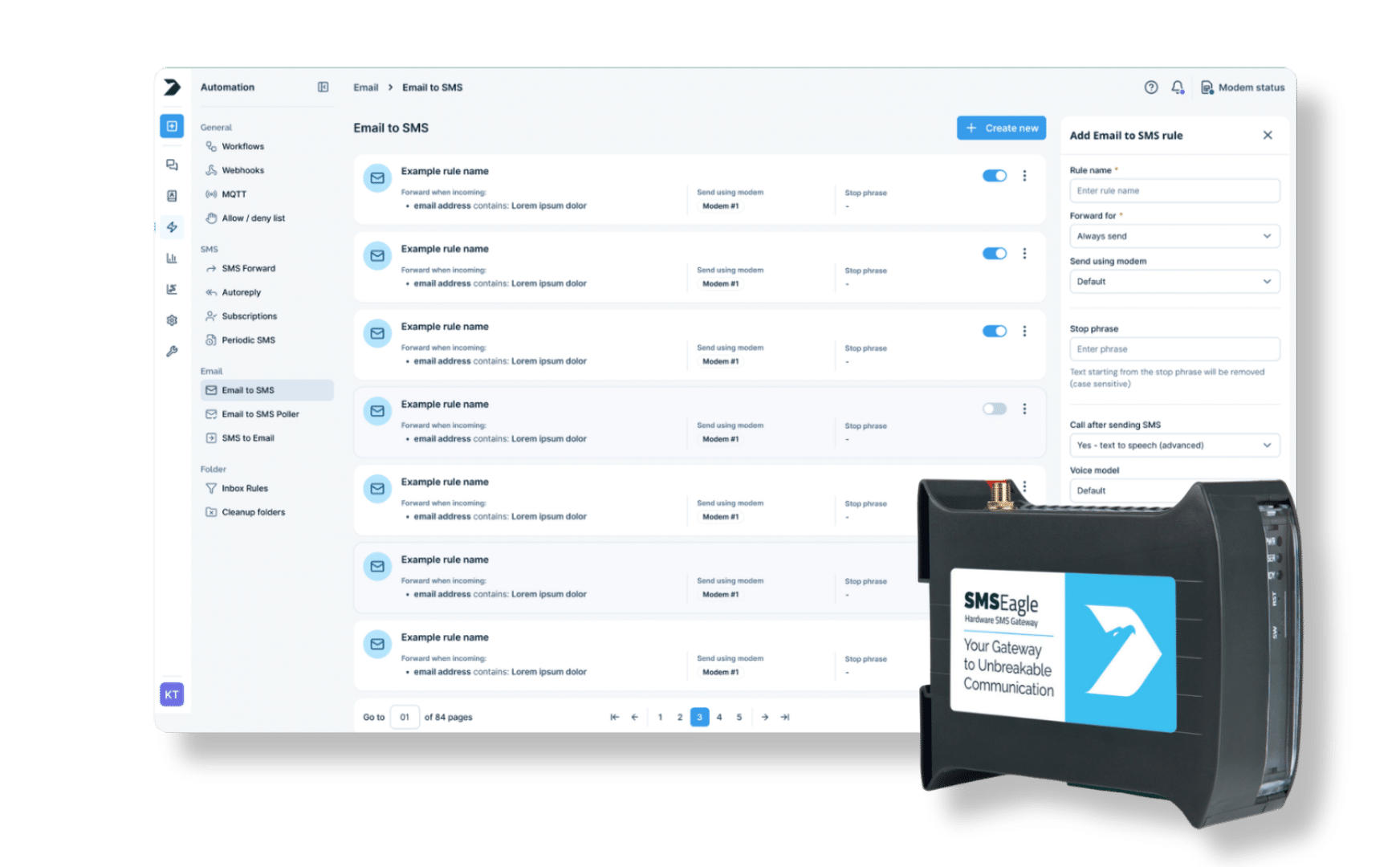
SMSEagle combines hardware and software into a single, self-contained gateway. It is designed for critical environments, so security is built in from the ground up, confirmed by CE, FCC, ISED, UKCA, PTCRB, RCM, IMDA, TDRA, CB Scheme, GCF, carrier certifications (Verizon, AT&T) and ISO 27001.