Missed texts on a device nobody checks cost time. SMS to Email turns every incoming text into a message your team actually sees, with no separate phone to keep an eye on. For the opposite direction, see Email to SMS, which turns emails into text messages.
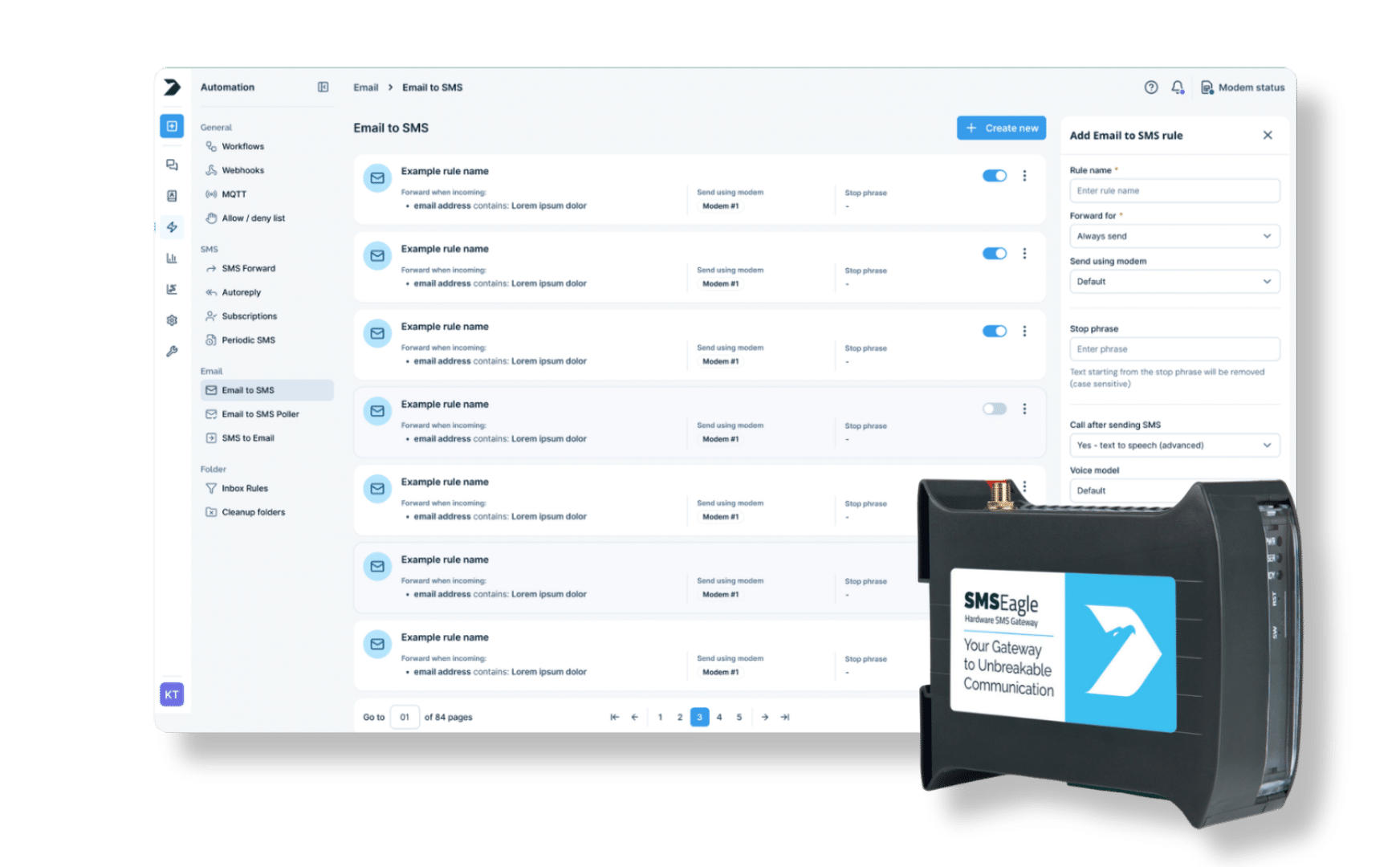
SMSEagle combines hardware and software into a single, self-contained gateway. It is designed for critical environments, so security is built in from the ground up, confirmed by CE, FCC, ISED, UKCA, PTCRB, RCM, IMDA, TDRA, CB Scheme, GCF, carrier certifications (Verizon, AT&T) and ISO 27001.
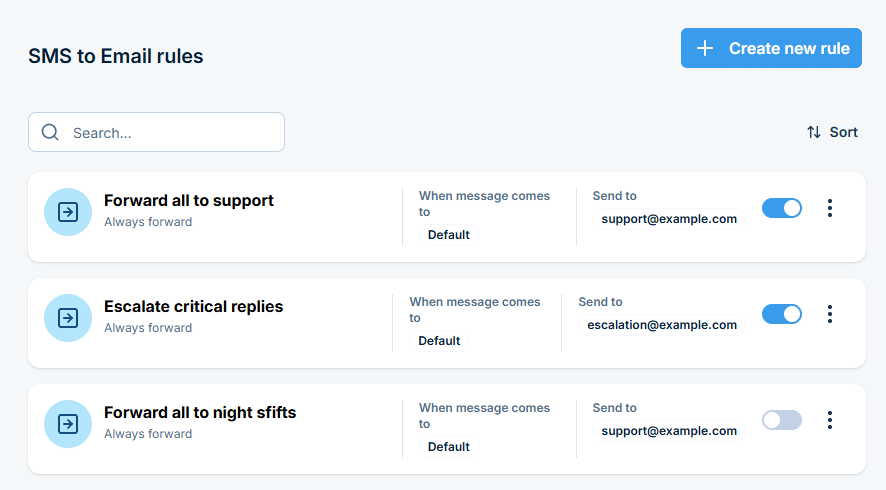
SMSEagle forwards incoming SMS or MMS to an email address, either a fixed address for all messages or automatically to the email of the user who last sent an SMS to that number through SMSEagle. Emails are sent through the SMTP server set in Settings > Channels > Email > SMTP Configuration, so configure and test it first.
Can I customize the email subject?
Yes. Use a fixed subject or placeholders for the sender number and a preview of the message text.
What does the forwarded email contain?
The sender’s phone number (and contact name if found in the phonebook), the date and time received, and the full SMS message.
Can I set up more than one forwarding rule?
Yes. Add multiple rules, each with its own trigger conditions, forwarding mode, and email address. The To email of last sending user option also takes a default address, used when nobody has sent an SMS to that number through SMSEagle yet.
Can I limit a rule to a specific modem?
Yes. On multi-modem devices, each rule can be scoped to a single modem, so you control exactly which SIM triggers forwarding.
Which SMSEagle devices support SMS to Email?
SMS to Email is a built-in feature available on all current SMSEagle hardware SMS gateways.