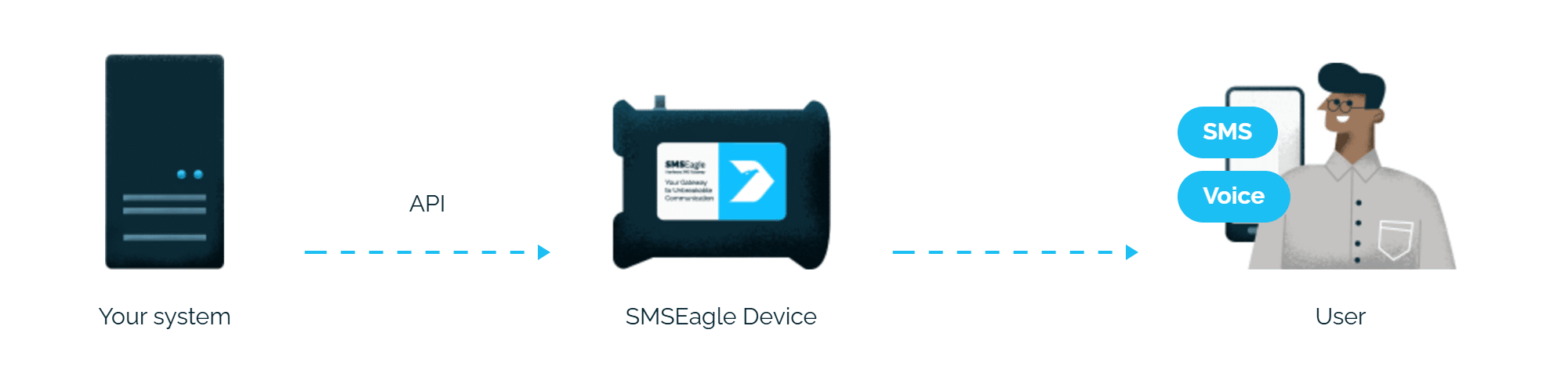
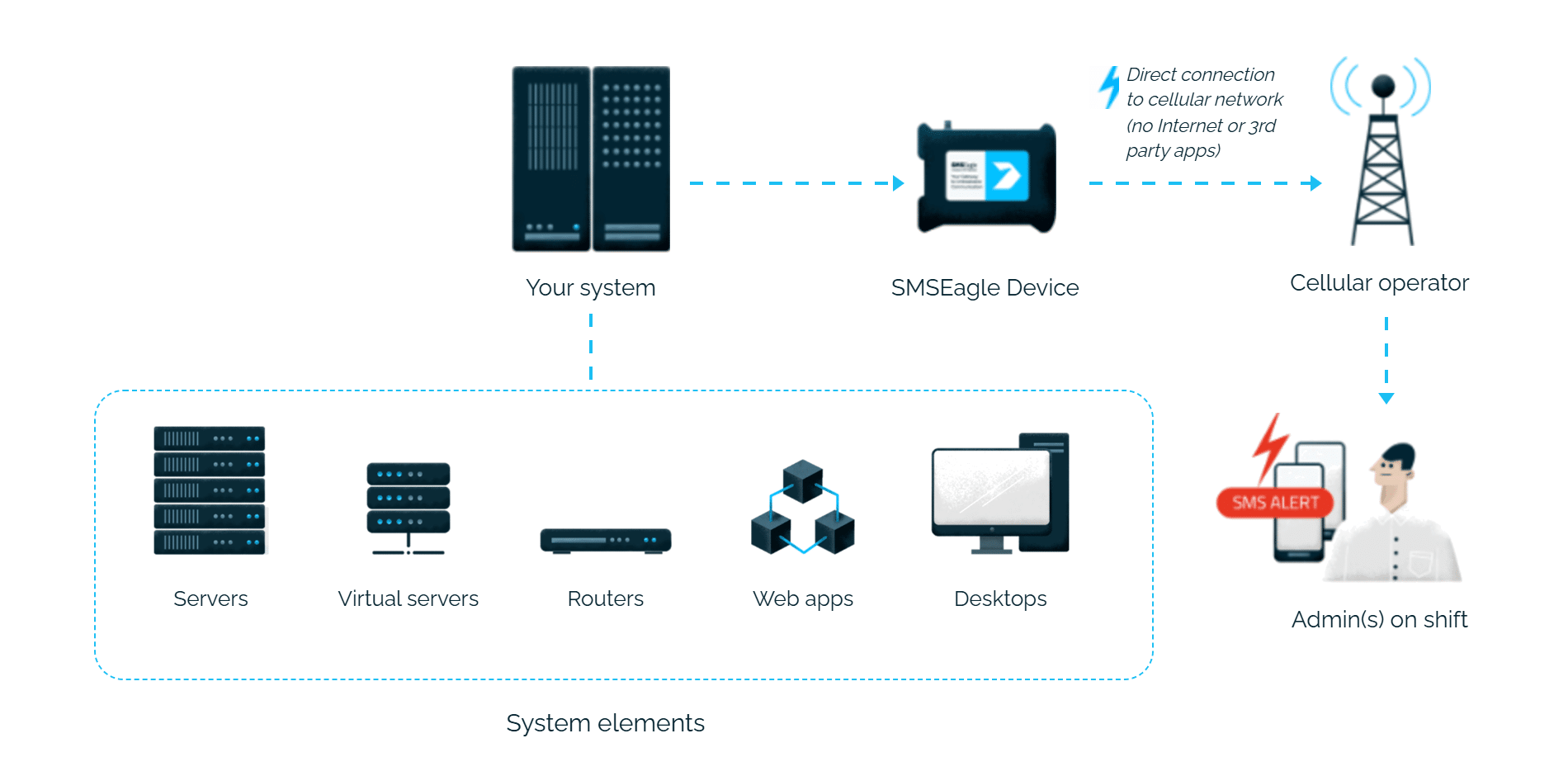
A device going down. A threshold breach. A service failure. Any of these can happen at 3 a.m., and someone needs to know. SMSEagle connects to Adrem NetCrunch and turns these events into an SMS, delivered from your own hardware: no internet required, no third party involved.
SMSEagle sends NetCrunch alerts to the right person by SMS, day and night.
No per-message fees
SMSEagle sends SMS through a regular SIM card, so you only pay for your mobile plan.
One alert to several people
Enter several numbers separated by commas, and SMSEagle sends the alert to all of them at once.
Alerts keep working even if one device fails
Two SMSEagle devices can work as an HA cluster: if one fails, the other takes over sending.
SMSEagle configuration
Create a new user in SMSEagle (menu System > Users) with access level “User”.
Grant API access to that user: go to Settings > Global settings > API, open the API v1 page, click Create API key, fill in Key name, select that user as Owner, add permissions in section Permissions for: Send SMS, and click Create key.
Then, in System > Users, open that user and tick Enable user/password authentication (APIv1 only).
NetCrunch configuration
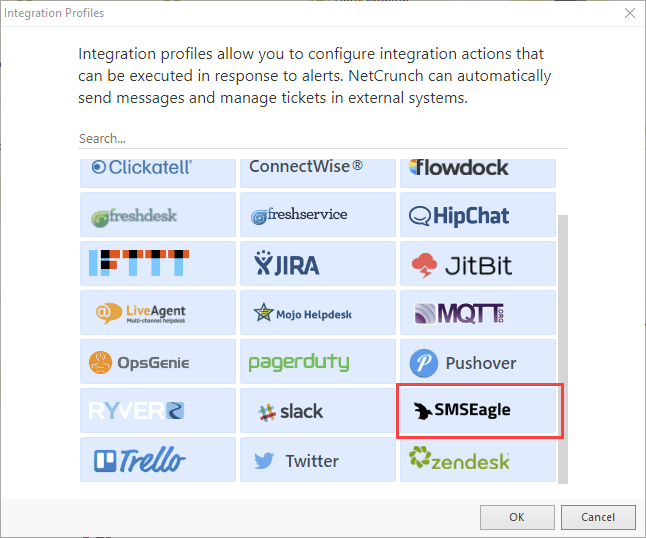
Set up an Integration Profile. Click Monitoring > Integration Profiles at the top of the NetCrunch application and select SMSEagle or add next integration profile by clicking on + icon.
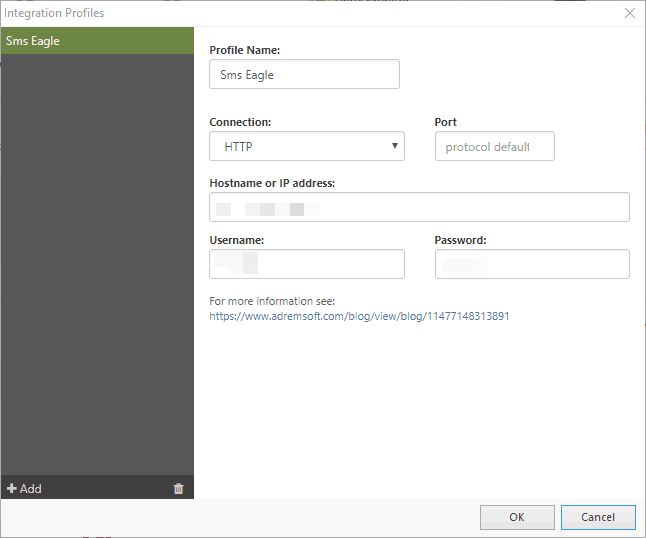
In the profile setup enter the following information
Name of the profile
Choose HTTP or HTTPS
Hostname or IP Address of your SMSEagle device
Username and Password for user created on SMSEagle
Create an alert (or edit the already existing one)
Click Monitoring > Alerting Escalation Script
In Alerting Scripts Window click Add Alerting Script
Click Add and select Action to Run immediately
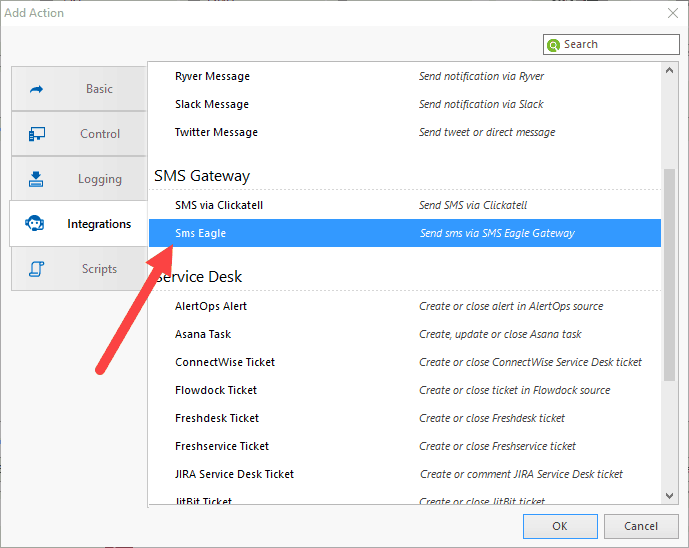
Click Integrations tab and select SMSEagle.
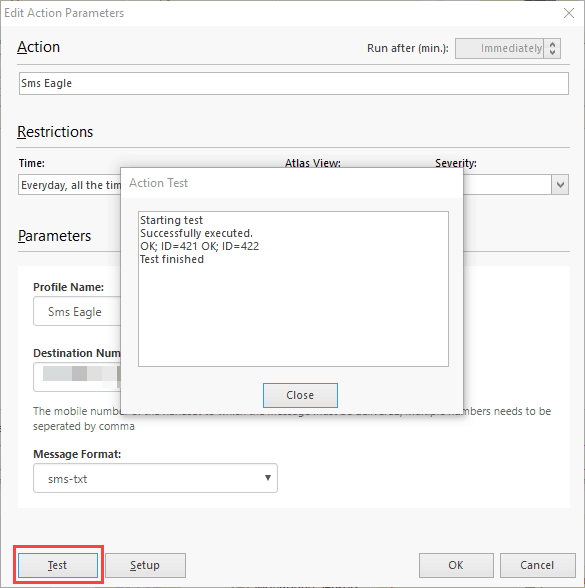
A new window will appear, here you can select time, view and severity restrictions related to sending an SMS. As for other parameters, it’s mandatory to provide at least one number (multiple numbers should be separated by commas). Country code is not required if the number has the same country code as set on the device.
Test
Last thing is to test the integration – click on the Test button.
Text message should now appear on the device.
You can now assign this alerting script to any alert or monitoring pack rule you want, and NetCrunch will send SMS if such alert occurs.
Explore SMSEagle Demo device
SMSEagle is a hardware & software solution that guarantees a swift delivery of your messages to designated recipients, whether it’s for notifications, alerts, or important updates.
After registering to a demo you get a remote access to our physical device NXS-9750.