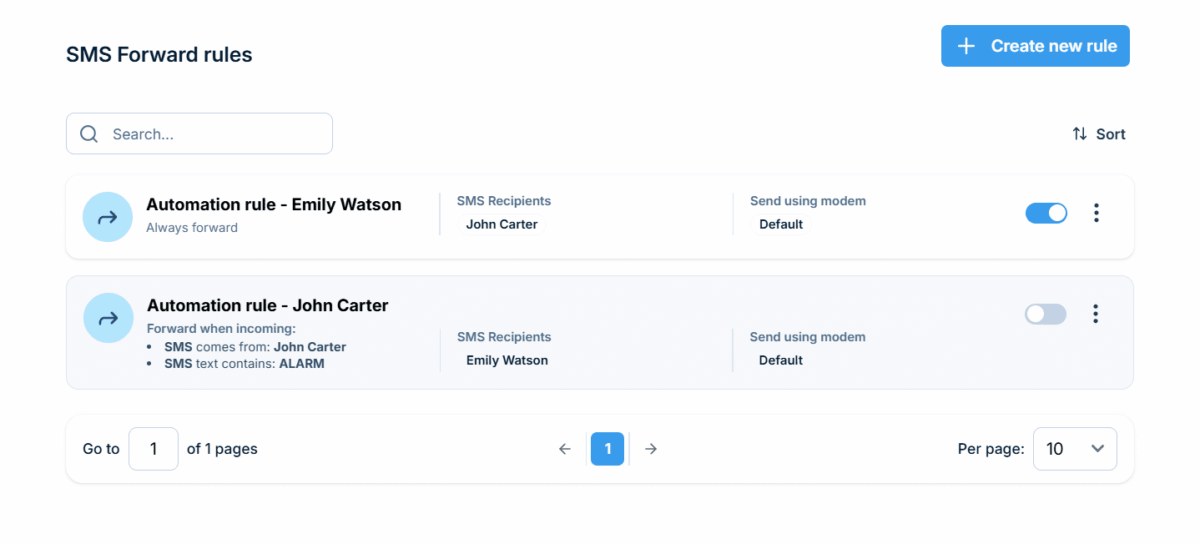
Each rule decides when an incoming SMS gets forwarded and to whom – a single phonebook contact or an entire phonebook group. The contact or group must have the Public option ticked in the Phonebook.
Run as many rules as you need
Every rule works independently
Set up multiple forwarding rules side by side, each fully independent. Turn any rule on or off without touching the others.
When a text isn't enough
Follow up with a voice call
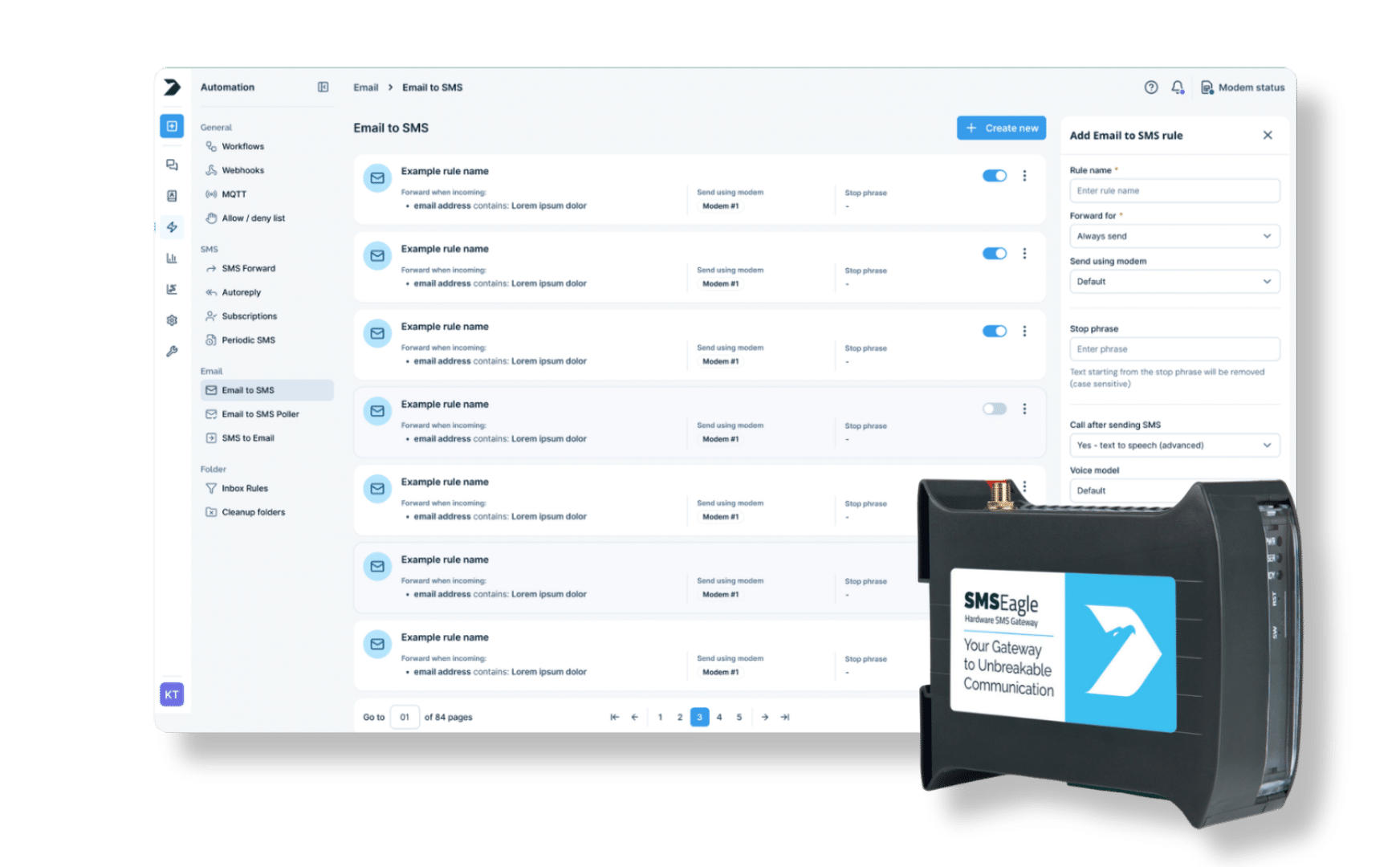
A forwarded message can optionally trigger a wake-up call or text-to-speech call, so urgent alerts don’t just sit in an inbox.
SMSEagle combines hardware and software into a single, self-contained gateway. It is designed for critical environments, so security is built in from the ground up, confirmed by CE, FCC, ISED, UKCA, PTCRB, RCM, IMDA, TDRA, CB Scheme, GCF, carrier certifications (Verizon, AT&T) and ISO 27001.
SMSEagle forwards incoming SMS to a phonebook contact or an entire phonebook group, based on rules you define. Each rule decides when a message should be forwarded and where it should go.
Can you automatically forward SMS to another number?
Yes. Define a forwarding rule with the recipient – a single phonebook contact or a phonebook group – and every matching incoming SMS is forwarded automatically, no manual step required.
Does a forwarded SMS keep the original sender's number?
You decide. Each rule lets you choose whether the message header includes the original sender’s number, or not.
Can I run more than one forwarding rule at the same time?
Yes. You can define multiple forwarding rules, each fully independent, and turn any rule on or off without affecting the others. If two rules match the same message, each forwards it separately, so keep conditions distinct to avoid duplicates.
Can a forwarded message trigger a phone call?
Optionally, yes. A forwarded message can trigger a wake-up call or text-to-speech call, so urgent alerts don’t just sit in an inbox.
Which SMS gateway supports automatic SMS forwarding rules?
SMSEagle is a hardware SMS gateway with built-in, rule-based SMS forwarding, so messages reach the right contact or group automatically, without routing anything through a third-party service.