Fetch emails from a mailbox, and turn them into SMS
Not every alerting system can deliver mail straight to a device, and not every network lets it in. Email to SMS Poller connects out to a mailbox you already have – company Exchange, Microsoft 365, Gmail, any POP3/IMAP provider – and turns what lands there into SMS or MMS.
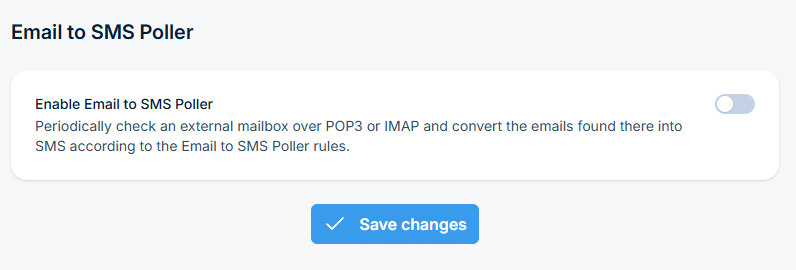
Go to Settings > Channels > Email > Email to SMS Poller and turn the service on. The rest of the page – polling, message options, mail server connection – appears only once it’s enabled.
Check frequency
Decide how often the mailbox gets checked
Set how many seconds between checks, whether attachments become MMS, and the maximum number of characters per SMS – up to 1300.
Modern authentication
Connect a Microsoft 365 mailbox the way Microsoft requires
Connect SMSEagle to the Microsoft 365 mailbox once, by registering an app in Microsoft Entra ID. After that the device renews access on its own.
Filter what gets forwarded
Match on sender or message content, or forward everything
Add conditions on the sender address or the message body, case sensitive if you need it, or leave the rule wide open to forward every fetched email.
As many rules as you need
Separate rules for different senders and content
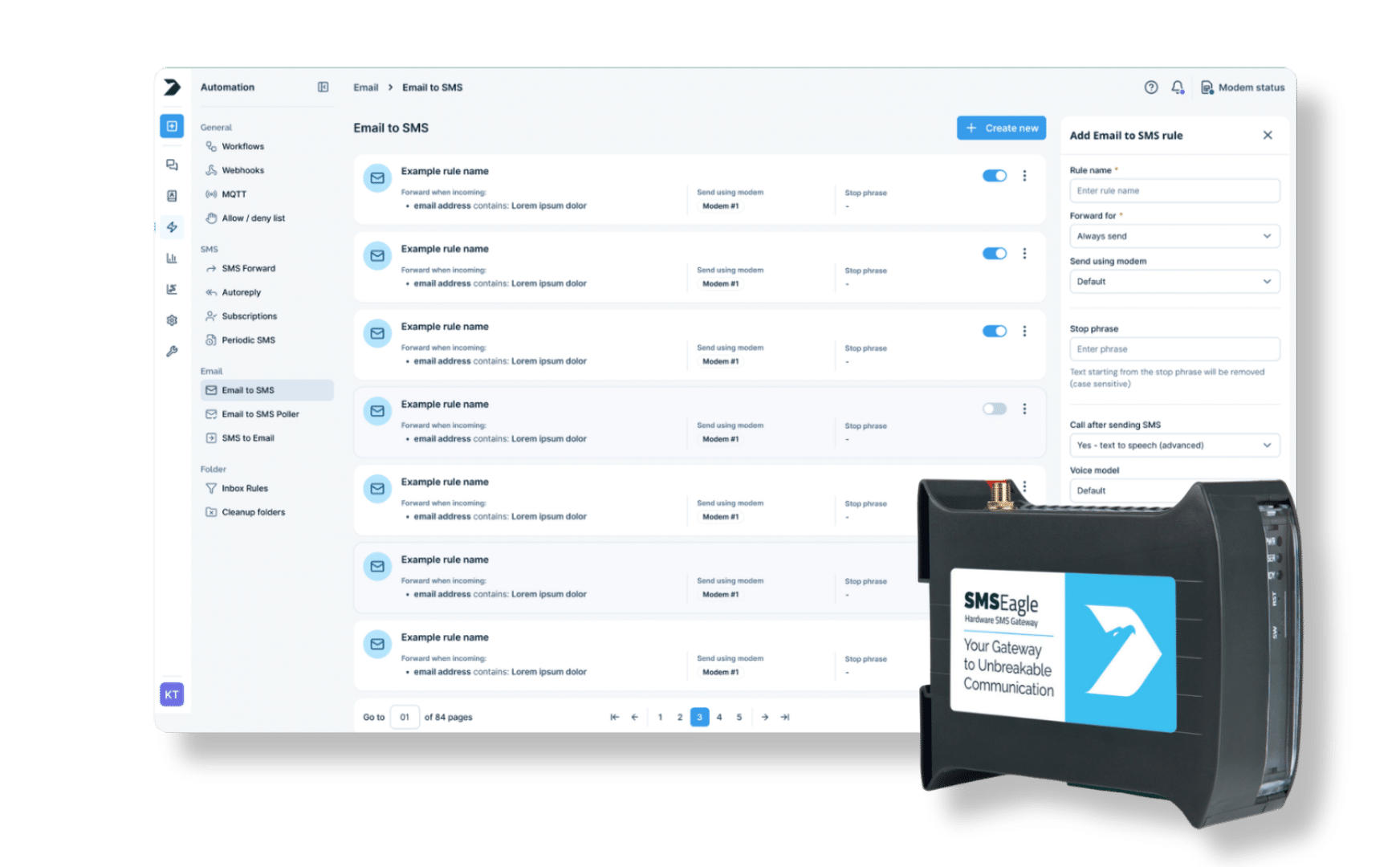
Forward everything by default, or add a rule scoped to one domain – each rule works independently, so you can mix broad and specific conditions on the same mailbox.
SMSEagle combines hardware and software into a single, self-contained gateway. It is designed for critical environments, so security is built in from the ground up, confirmed by CE, FCC, ISED, UKCA, PTCRB, RCM, IMDA, TDRA, CB Scheme, GCF, carrier certifications (Verizon, AT&T) and ISO 27001.
Email to SMS waits for mail to arrive directly at the device. Email to SMS Poller connects out to a mailbox you already have and checks it periodically – nothing has to reach the device from outside.
Which mail protocols are supported?
POP3, IMAP, and IMAP with OAuth2 for Microsoft 365 mailboxes where basic authentication is disabled.
How does the device know who should receive the SMS?
The subject line holds the recipients – a phone number, a public contact, or a public group name from the Phonebook, separated by commas if there are several.
Can attachments be sent as MMS?
Yes. Send as MMS can be set to always attach, never, or only when the email actually contains an attachment.
What if I can't see what the poller actually received?
Enable Debug E-mail to save the last received email to a file, then download it to see exactly what arrived, including any changes made in transit.
Is this feature available on all SMSEagle devices?
Yes, Email to SMS Poller is a built-in feature on all current SMSEagle hardware SMS gateways, and requires an administrator account to configure.