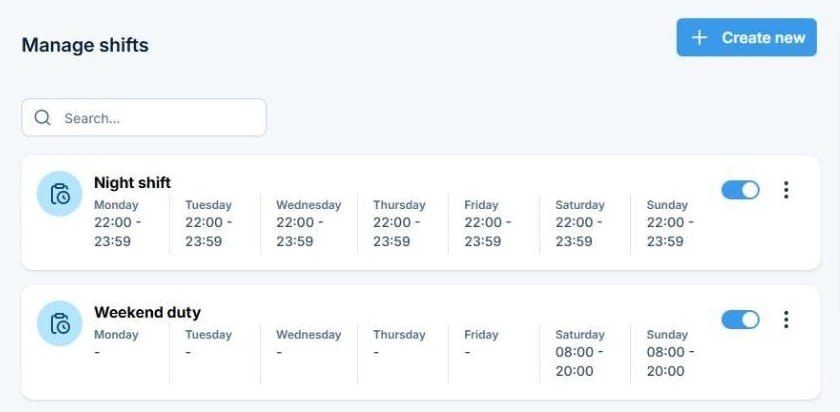
Alerts sent to off-duty staff get missed or ignored. SMSEagle’s Shift Management always knows who’s on duty right now, so the right person is notified, without anyone manually checking a schedule.
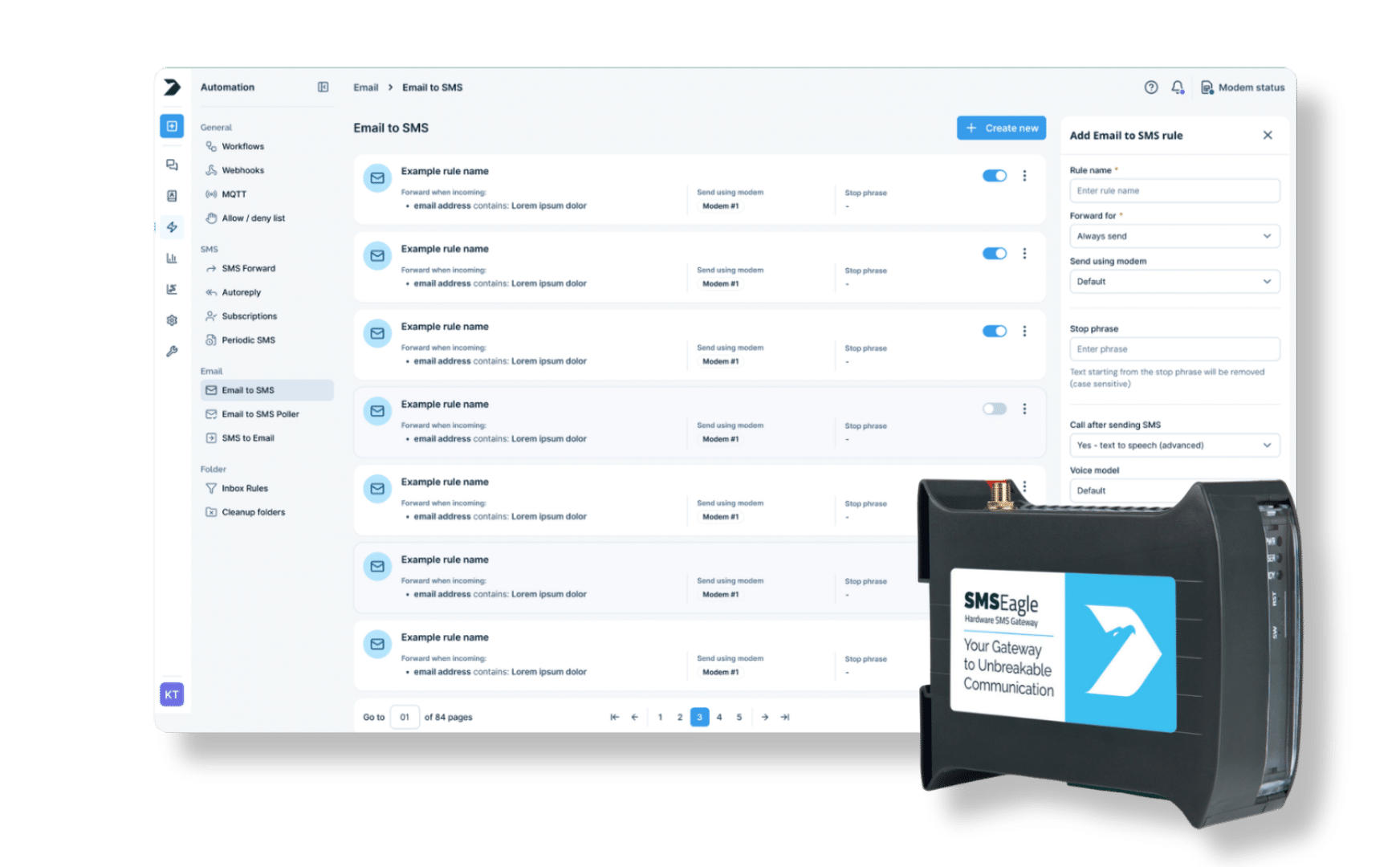
SMSEagle combines hardware and software into a single, self-contained gateway. It is designed for critical environments, so security is built in from the ground up, confirmed by CE, FCC, UKCA, PTCRB and other global certifications.
SMSEagle checks whether a contact is on an active shift before sending a message. If they’re off-shift, the message is skipped or moved to the start of their next shift, based on your rule.
Can I assign one contact to multiple shifts?
Yes. A contact can belong to more than one shift, useful for people who cover different rotations or backup coverage. A contact with no shift assigned is always treated as available.
What happens to a message if the contact is off shift?
You decide, as one global setting for the whole device: the message can be skipped entirely or held until the next scheduled shift begins.
Can a shift run past midnight?
Yes. Add it as two time ranges, for example 22:00-23:59 on the first day and 00:00-06:00 on the next day.
Do I need to update shifts every week?
No. Define the recurring schedule once, days and hours, and it applies automatically going forward until you change it.
Which SMSEagle devices support Shift Management?
Shift Management is a built-in feature available on all current SMSEagle hardware SMS gateways.