SMSEagle’s Email to Signal function turns your incoming emails into instant Signal messages. No cloud services, no manual forwarding — just fast, automated delivery straight to recipients’ smartphones. Ideal for IT alerts, service desk notifications, and business communication that can’t wait.
Convert incoming emails into Signal messages and deliver them directly to users’ smartphones. This ensures critical information reaches recipients immediately — even when they’re away from their desks.
Easy setup with flexible rules
You can configure your automation in minutes using a visual Workflow Builder. Define triggers, conditions, and actions — for example, “if email subject contains ‘urgent’, send a Signal message.”
Local and secure processing
All message conversions and transfers happen within your SMSEagle gateway. No sensitive data is sent through external cloud systems or third-party servers.
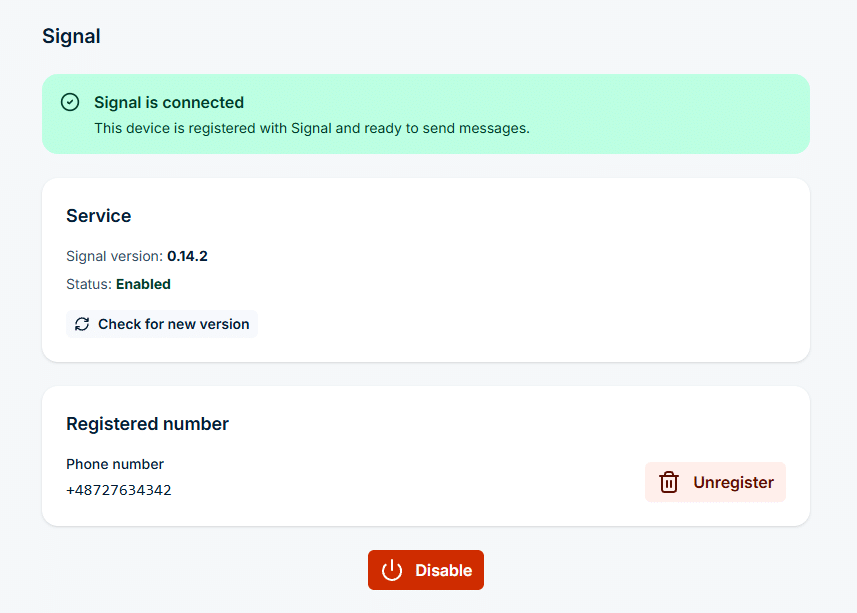
In the sidebar, go to Settings > Channels > Signal, enable the service, then register and verify a phone number. When the page shows Signal is connected, the device can send and receive Signal messages. Signal is available on selected device models only.
A workflow can only use channels that already work on their own. Emails reach workflows through the Email to SMS feature, so it must be configured as well.
Step 2
Name the workflow and pick the trigger
Go to Automation > General > Workflows and click Create new.
In Name, enter a descriptive title, for example Email to Signal.
In Trigger, select Email. The workflow starts each time a new email arrives.
Step 3
Add conditions (optional)
Without conditions, the workflow handles every incoming email.
To filter, click Add group, then Add condition. With the Email trigger you can check the Sender, Recipient, Subject or Content, for example content contains ALARM.
Conditions in one group are joined with AND, groups are joined with OR.
Step 4
Add the Send Signal action
In the Actions panel, click Add action and select Send Signal.
Enter Phone numbers, or pick Contacts or Groups from the Phonebook.
In Message, use placeholders to pass the original text on, for example {{subject}}: {{content}}.
Step 5
Save the workflow
Click Save workflow at the bottom of the page.
From now on, each new email that matches the conditions is sent on as a Signal message. The workflow card shows how many times it has run and when it last ran.
Use cases
Email to Signal use cases
IT and network operations
IT teams often deal with system alerts that must be acted on immediately. When a monitoring system like Zabbix or PRTG sends an email about a network outage or high CPU load, SMSEagle automatically forwards it as a Signal message to the on-call engineer. Since Signal offers secure, real-time delivery, technical staff can react faster to issues while maintaining full confidentiality of network data and infrastructure details.
Manufacturing and industrial automation
In production environments, downtime means loss. SCADA and PLC systems can email alerts when machinery exceeds critical thresholds — for instance, overheating, loss of pressure, or mechanical failure. SMSEagle’s Email to Signal workflow forwards those alerts to maintenance staff on their Signal app, ensuring that urgent messages are received even on the factory floor. With encrypted, instant notifications, teams can coordinate repairs safely and efficiently.
Logistics and transportation
Operational continuity in logistics depends on fast communication between teams on the move. Dispatch systems can email notifications about route changes, traffic delays, or delivery issues. SMSEagle’s Email to Signal workflow ensures that these messages reach drivers, dispatchers, or operations managers instantly on their phones, even in areas with limited email access. This improves coordination, reliability, and customer satisfaction.
Healthcare and emergency services
Hospitals and clinics handle sensitive operational and patient-related data, making Signal’s encryption a valuable layer of protection. When internal systems send email alerts about device malfunctions, power supply issues, or temperature deviations in storage rooms, SMSEagle automatically forwards them to responsible staff via Signal. This guarantees fast, private delivery of critical information — essential for patient safety and regulatory compliance.
Public sector and emergency services
For government agencies and emergency responders, message security is as important as speed. When alert systems or coordination tools send critical updates by email, SMSEagle forwards them as encrypted Signal messages to staff groups. Whether it’s a weather alert, security incident, or infrastructure failure, the right people receive confidential, real-time notifications — ready to act without delay.
SMSEagle combines hardware and software into a single, self-contained gateway. It is designed for critical environments, so security is built in from the ground up, confirmed by CE, FCC, ISED, UKCA, PTCRB, RCM, IMDA, TDRA, CB Scheme, GCF, carrier certifications (Verizon, AT&T) and ISO 27001.
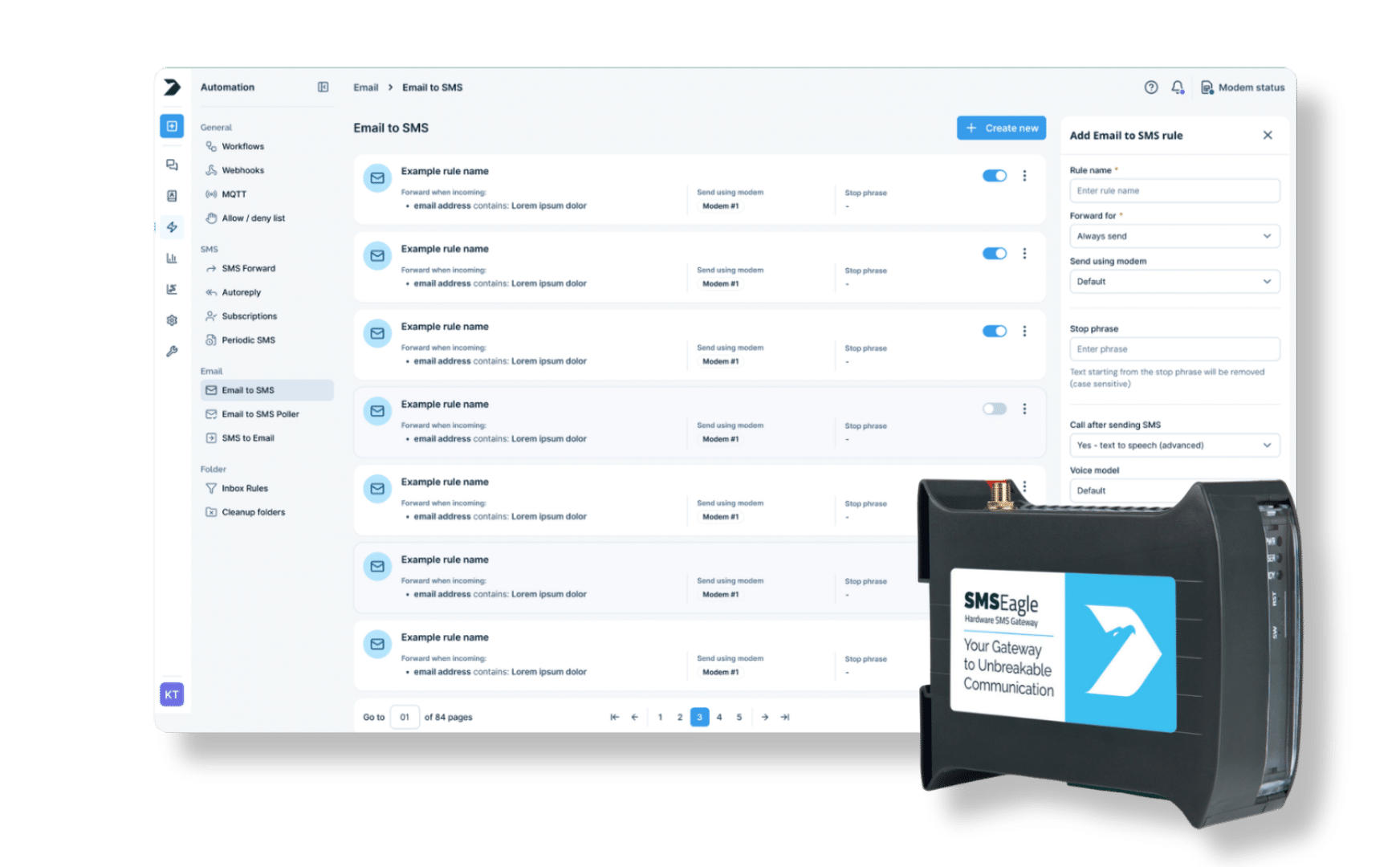
SMSEagle receives emails directly through its Email to SMS service, so your monitoring tools and other systems can send alerts to an address on the device. Enable the service in Settings > Channels > Email > Email to SMS before you create the workflow.
Can I forward only selected emails?
Yes. Add a condition group and check the Sender, Recipient, Subject or Content of the email, for example subject contains urgent. Only matching emails are sent on as Signal messages.
Can the Signal message include the email subject and text?
Yes. Use placeholders in the message, for example {{subject}}: {{content}}. You can also use {{sender}} and {{recipient}}.
Can one email trigger more than one message?
Yes. You can add several actions to a workflow and all of them run, for example a Signal message to the on-call engineer and an SMS to a supervisor.
Which SMSEagle devices support Signal?
Signal is available on selected device models only. If Settings > Channels > Signal is not in your sidebar, your device does not support it.
Does Signal use SIM credit?
No. Signal messages are sent over the network connection, not through the modem, so they do not use SIM credit and do not depend on GSM coverage.