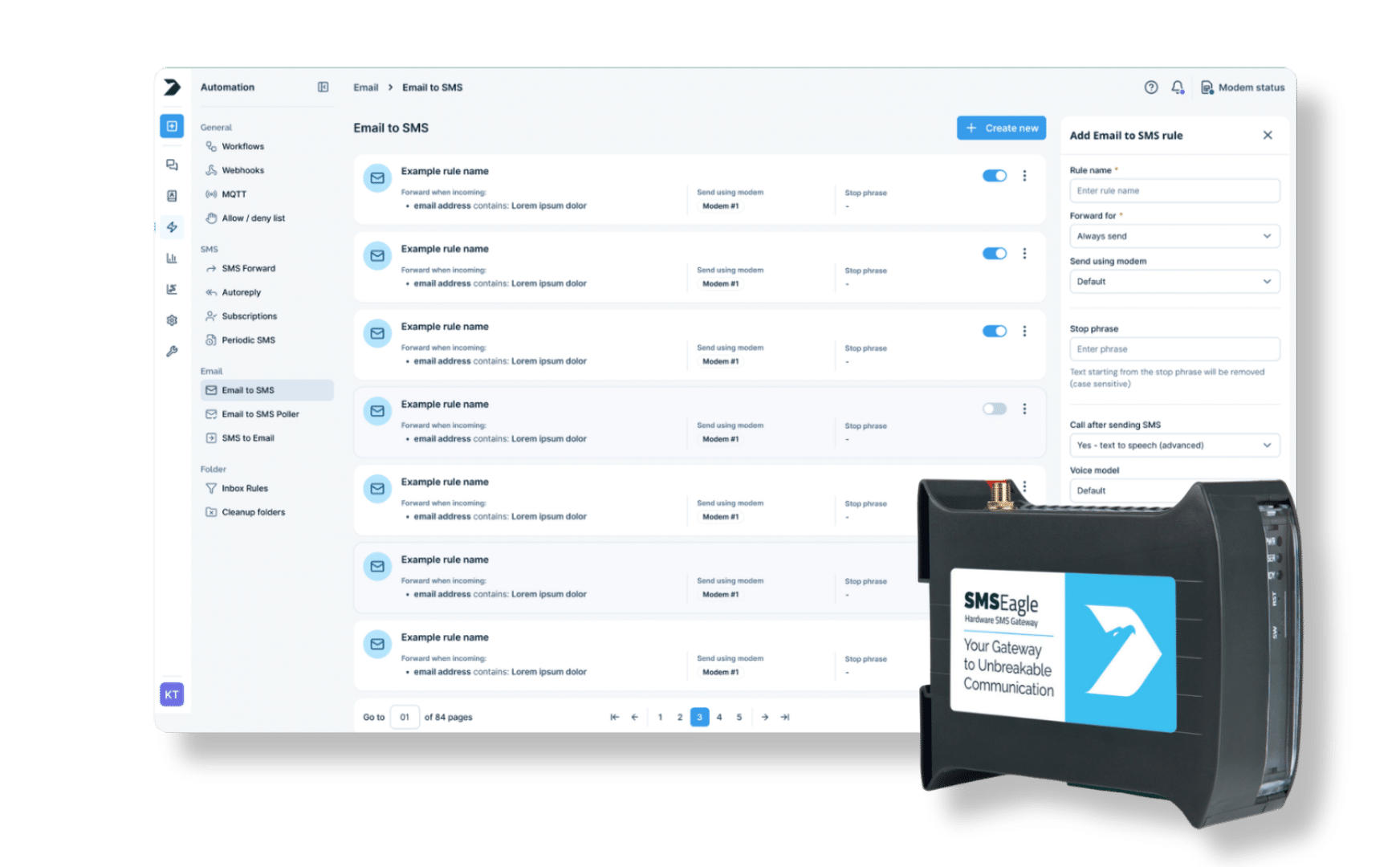
Connect WhatsApp and SMS in one secure, automated communication flow. With SMSEagle, your WhatsApp messages can be forwarded, converted, or mirrored to SMS – ensuring your message reaches every recipient. Keep your communication reliable, and fully under your control.
Bridge the gap between WhatsApp and traditional SMS communication. Your messages always reach their destination, whether the recipient uses WhatsApp or not.
Automation and integration
The integration works directly inside a hardware SMS gateway from SMSEagle, without relying on external cloud services. Combine it with Workflows to route or forward messages automatically.
Security and reliability
All WhatsApp and SMS message data stays within your SMSEagle device, providing complete control over your communication flow.
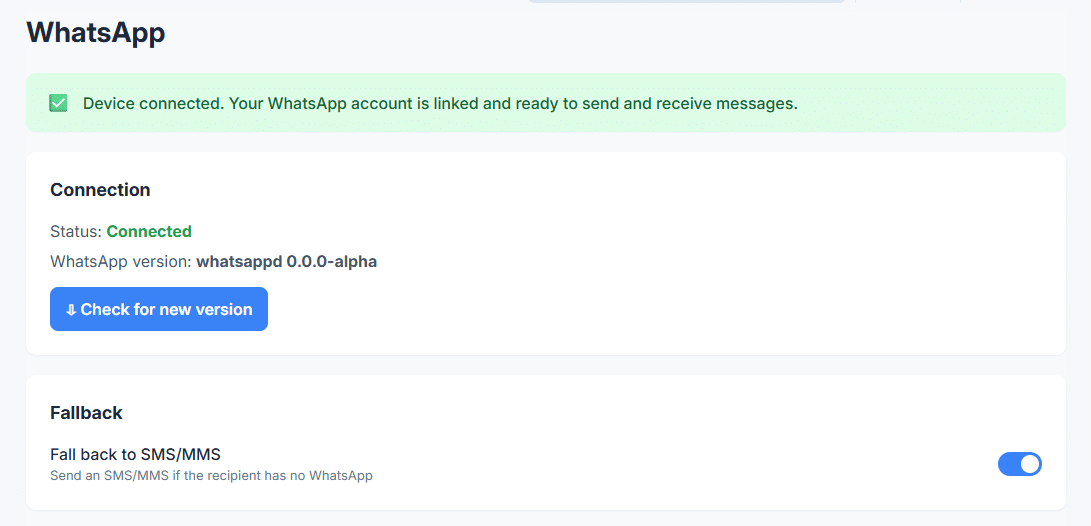
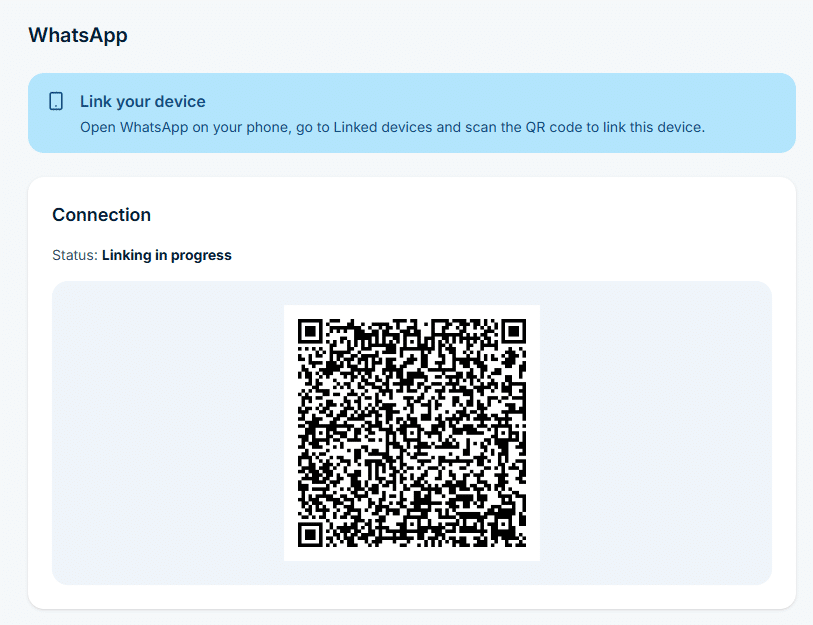
In the sidebar, go to Settings > Channels > WhatsApp, enable the service and link your WhatsApp account. When the status shows Connected, the device can send and receive WhatsApp messages.
A workflow can only use channels that already work on their own.
Step 2
Name the workflow and pick the trigger
Go to Automation > General > Workflows and click Create new.
In Name, enter a descriptive title, for example WhatsApp to SMS.
In Trigger, select WhatsApp. The workflow starts each time a new WhatsApp message arrives.
Step 3
Add conditions (optional)
Without conditions, the workflow handles every incoming WhatsApp message.
To filter, click Add group, then Add condition. With the WhatsApp trigger you can check the Sender or the Content, for example content contains ALARM.
Conditions in one group are joined with AND, groups are joined with OR.
Step 4
Add the Send SMS action
In the Actions panel, click Add action and select Send SMS.
Enter Phone numbers, or pick Contacts or Groups from the Phonebook.
In Message, use placeholders to pass the original text on, for example WhatsApp from {{sender}}: {{content}}.
Step 5
Save the workflow
Click Save workflow at the bottom of the page.
From now on, each new WhatsApp message that matches the conditions is sent on as an SMS. The workflow card shows how many times it has run and when it last ran.
Use cases
WhatsApp to SMS use cases
IT and network operations
During a network outage, the central monitoring system pushes alerts to WhatsApp SMSEagle converts those alerts into SMS and delivers them directly to administrators’ phones. Even with internet disruption, IT engineers receive real-time notifications via SMS and can respond quickly to restore services.
Manufacturing and industrial automation
A production facility’s PLC system reports an equipment malfunction through a WhatsApp alert. Since internet access in the workshop is unreliable, SMSEagle forwards the WhatsApp message as SMS to the maintenance engineers. The team is notified immediately and can take action to minimize downtime and prevent production losses.
Logistics and transportation
A logistics coordinator sends WhatsApp delivery updates and route changes to drivers on the road. When a driver’s data connection drops, SMSEagle automatically delivers the same message as SMS. This ensures that all drivers — regardless of mobile coverage — receive timely updates, keeping deliveries on schedule.
Healthcare and emergency services
A hospital’s temperature monitoring system sends a WhatsApp alert when a blood storage unit starts warming beyond the safe limit. SMSEagle detects the message and forwards it as SMS to the on-duty technician. Even if the technician has no mobile data, they receive the SMS immediately and can act before any damage occurs.
Customer service and support centers
A customer submits a complaint or urgent request via WhatsApp. SMSEagle forwards the message as SMS to the on-duty service agent or manager, ensuring customers receive timely answers and enabling direct communication with service agents — even outside working hours or when WhatsApp connectivity is poor. Similar rules can also forward SMS messages to email for ticketing or archiving. The team can reply quickly and maintain high service quality.
SMSEagle combines hardware and software into a single, self-contained gateway. It is designed for critical environments, so security is built in from the ground up, confirmed by CE, FCC, ISED, UKCA, PTCRB, RCM, IMDA, TDRA, CB Scheme, GCF, carrier certifications (Verizon, AT&T) and ISO 27001.
Yes – but not natively through the WhatsApp app itself. WhatsApp and SMS are separate communication channels: WhatsApp requires internet access and runs through Meta’s infrastructure, while SMS travels directly through the mobile carrier network. To bridge the two, you need an intermediary system. SMSEagle’s WhatsApp to SMS feature does exactly that – it automatically converts incoming WhatsApp messages into SMS and forwards them to the recipient’s phone number, no internet connection required on the receiving end. It works in both directions, so replies sent as SMS can come back as WhatsApp messages too.
Can I automatically forward WhatsApp messages to another number?
Yes. SMSEagle’s Whatsapp feature makes this fully automatic. Once configured, every incoming WhatsApp message — or only those matching your defined conditions — gets forwarded as an SMS to one or more phone numbers. No manual intervention, no switching between apps. You can also use variables like {{sender}} and {{content}} in the SMS template, so the forwarded message includes the original sender details and message text.
How can I receive SMS messages on WhatsApp?
This requires a gateway that bridges the two channels. With SMSEagle, you can configure a workflow where incoming SMS messages trigger a WhatsApp notification — so your team can monitor and respond to SMS communication directly within WhatsApp if that’s their preferred tool. The Whatsapp integration takes a few minutes of the SMSEagle interface.
How to convert WhatsApp message to text?
To convert a WhatsApp message to text, you can use SMSEagle’s WhatsApp to SMS forwarding feature, which automatically extracts the message content and sends it as a plain SMS text message. This allows you to receive WhatsApp messages as standard text messages on any phone.
Why use WhatsApp to text?
Using WhatsApp to text (SMS) forwarding is useful when recipients do not have WhatsApp installed or lack internet access. It ensures important messages reach everyone regardless of their app preferences or connectivity. It also provides instant alerts via SMS when mobile data is off, increases communication reliability, and helps businesses, parents, and teams stay connected without missing critical information.
WhatsApp is a trademark of Meta Platforms, Inc. This product is not affiliated with, endorsed by, or sponsored by WhatsApp or Meta Platforms.