Self-hosted

On-premise SMS gateway

SMSEagle is an on-premise SMS gateway delivered as a self-hosted device. You install it on your premises, put your own SIM cards in it, and you send and receive SMS messages over the mobile network with no third-party SMS provider in between.

On this page, you’ll see what an on-premise SMS gateway is, how it differs from cloud SMS gateways, how SMSEagle handles data storage and security, which device models are available, how it connects through APIs and other integration methods, and which practical messaging features it supports.

Illustration of an SMS Eagle hardware gateway being operated by two people, with dogs nearby.

What "self-hosted" means for an on-premise SMS gateway

Self-hosted usually means software you install on your own server. SMSEagle follows the same idea in a different form: the gateway is a hardware SMS gateway, a physical device that runs on your premises, inside your network, with its own web interface and database built in. On-premise SMS gateways can operate during internet outages

You decide who can reach it, for example with your own firewall rules.
It uses your SIM cards and sends text messages straight to the mobile network.
If you are looking for a local SMS gateway, this is the same kind of setup: a gateway that runs at your own site.

What stays on your side

Self-hosted means you own a few things. Here is the full list, so you can decide with the facts in hand.

The device and its place

The device runs on your premises, so you provide power, a network connection and mobile coverage. The system info page shows each modem's signal strength, network name and SIM status, so you can check coverage before you rely on it.

Network access

Your firewall decides who can reach the device. The web interface can be served over HTTPS: the default certificate is self-signed, and you can replace it with your own and redirect plain HTTP to HTTPS. Connections to mail servers, MQTT brokers and LDAP directories can use TLS or SSL.

SIM cards and mobile plan

You choose the operator and the plan. The device uses your SIM cards, and every message goes out from your own number.

Users and access

You create the accounts and set the access level: administrators have full access, regular users are limited to messaging. Multi-factor authentication can be required per user, and on multi-modem devices a user can be restricted to selected modems. An allow list can also restrict the phone numbers the gateway accepts SMS from.

Updates and restarts

You check for updates from the web interface, manually or automatically, and the device can notify the administrator by SMS when a new version is available. The device can also text the administrator when disk space crosses a threshold you set, and a restart can be scheduled.

What you do not have

A third-party SMS provider between your systems and the mobile network.

How does it work?

Where your data and messages physically are

SMS messages are stored in a database built into the device, inside your network. Incoming and outgoing SMS messages sit in folders on the device: Inbox, Queued, Sent, Sending Error and Trash.

How long messages are kept

You decide. Cleanup rules remove old SMS messages from the folders you choose on an hourly, daily, weekly, monthly or yearly schedule, once they are older than the age you set. The same schedule can also clean modem and message logs.

Logs

The device keeps its own logs, which you can browse, search and download for support. They can also be forwarded to your own syslog server.

Backups

Backups of the database and settings can be made on demand or scheduled to your own SFTP or FTP server, with old backup versions cleaned up automatically.

Who can reach the database

In the default configuration the database is not open to outside applications. Access for external applications is disabled until you turn it on, and the database port is limited to the device itself.

Who can see messages through the API

An API key acts as its owner: it sees that user's messages and contacts. In API v2 a key can reach only the resources it created, unless you switch on access to all users' resources for that key.

What leaves the device

Only what you set up. An SMS still travels through your mobile operator's network, like any SMS. If you configure forwarding to email, webhooks or MQTT, the messages go to the addresses and brokers you choose.

How it differs from a cloud SMS gateway

With a cloud SMS gateway service, your SMS messages pass through the provider’s servers and the service needs an internet connection. With a self-hosted gateway the path is shorter: your systems talk to a device on your network, and the device talks to the mobile network through your SIM cards.

SMSEagle on your premises
Cloud SMS platform
Where are SMS messages processed?
The device on your premises.
The provider's servers.
Who sits between you and the mobile network?
Only your mobile operator, through your SIM cards.
The SMS provider.
Is internet needed to send SMS?
No: the device sends directly through the mobile network, and your systems reach it over your local network.
Yes, to reach the service.
Which number do messages come from?
Your own SIM number. The device does not offer sender ID change.
Depends on the provider.
What do you provide?
The device, SIM cards, mobile coverage and someone to administer it.
An internet connection and an account.
Who runs and maintains it?
You, as listed in "What stays on your side".
The provider.

For the full picture, see the hardware vs online SMS gateway comparison.

Three models, one self-hosted approach

The models differ in the number of modems, the throughput and the housing, so you choose by volume and by how much redundancy you need. For prices, see the pricing page.

SMSEagle single-modem hardware SMS gateway NXS-9700One modem

NXS-9700

One modem and up to 30 SMS per minute, available in 4G and 5G versions. It is the simplest start for a single location.

See the single modem series >

SMSEagle dual-modem hardware SMS gateway NXS-9750Two modems

NXS-9750

Two modems and up to 60 SMS per minute, in a 4G version. Modem failover lets the second SIM card, for example from another operator, take over when the first modem or its network fails.

See the dual modem series >

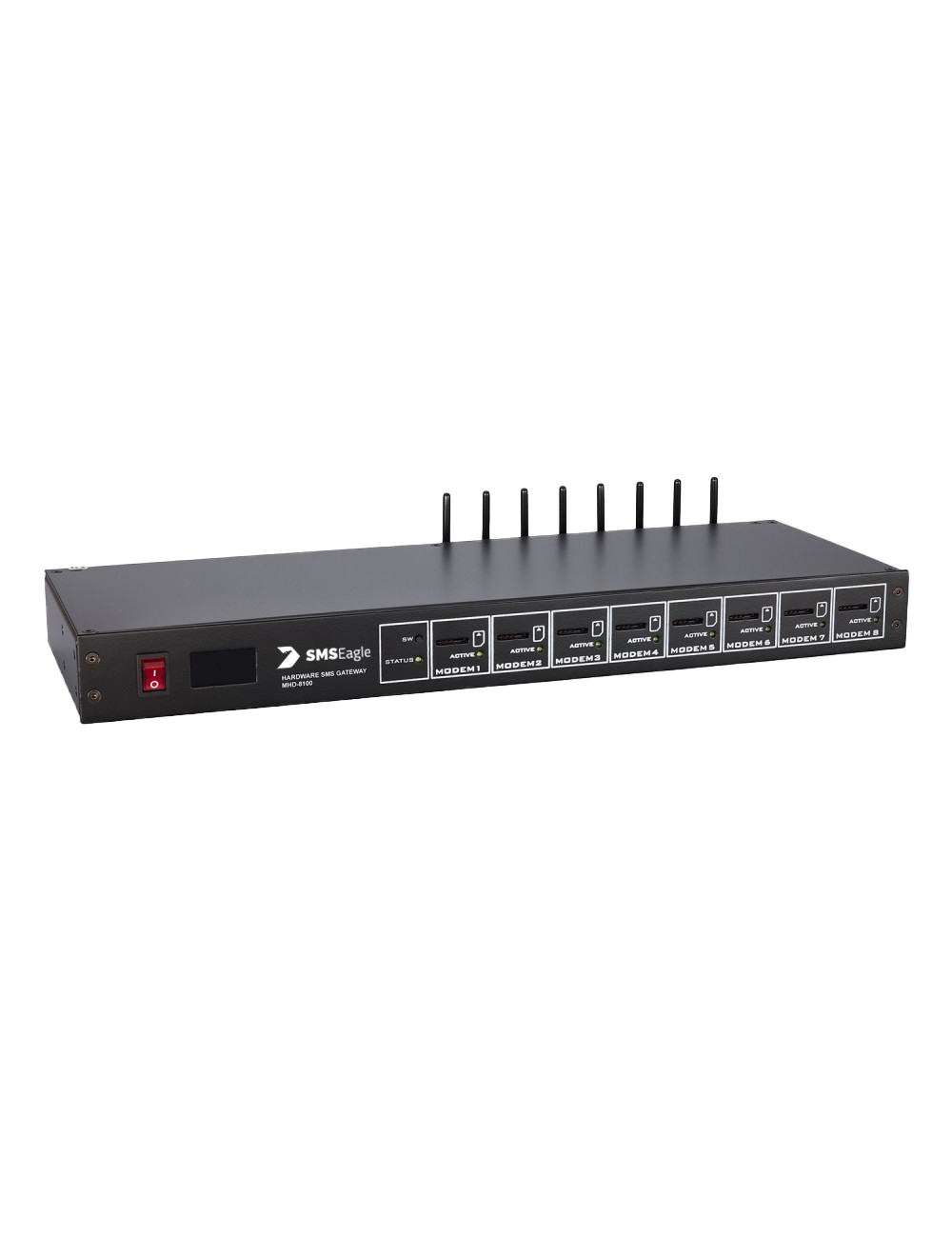
SMSEagle eight-modem hardware SMS gateway MHD-8100Eight modems

MHD-8100

Eight modems and up to 8 x 30 SMS per minute, for large volumes and many SIM cards, with a modem failover mechanism built in.

See the eight modem series >

How to choose

Volume

Start from your peak volume, not your average: throughput is set by the device, so the model has to cover the busiest minute you expect.

Redundancy in one device

Then decide how much redundancy you need. Modem failover works inside one device with two or more modems.

Redundancy with two devices

Two devices working together in a high-availability cluster are a separate feature, built into the device software, for installations that need a second gateway ready.

How your systems connect

Send SMS from your applications

The device has a built-in REST API that lets business applications integrate SMS capabilities into their workflows, so your software systems can use it as an SMS gateway API bridging them to the mobile network through a telecommunications network.

API keys and permissions

Each API integration gets its own API key with permissions granted per key, so a monitoring system can be limited to reading while a website form may only send.

Send SMS by email

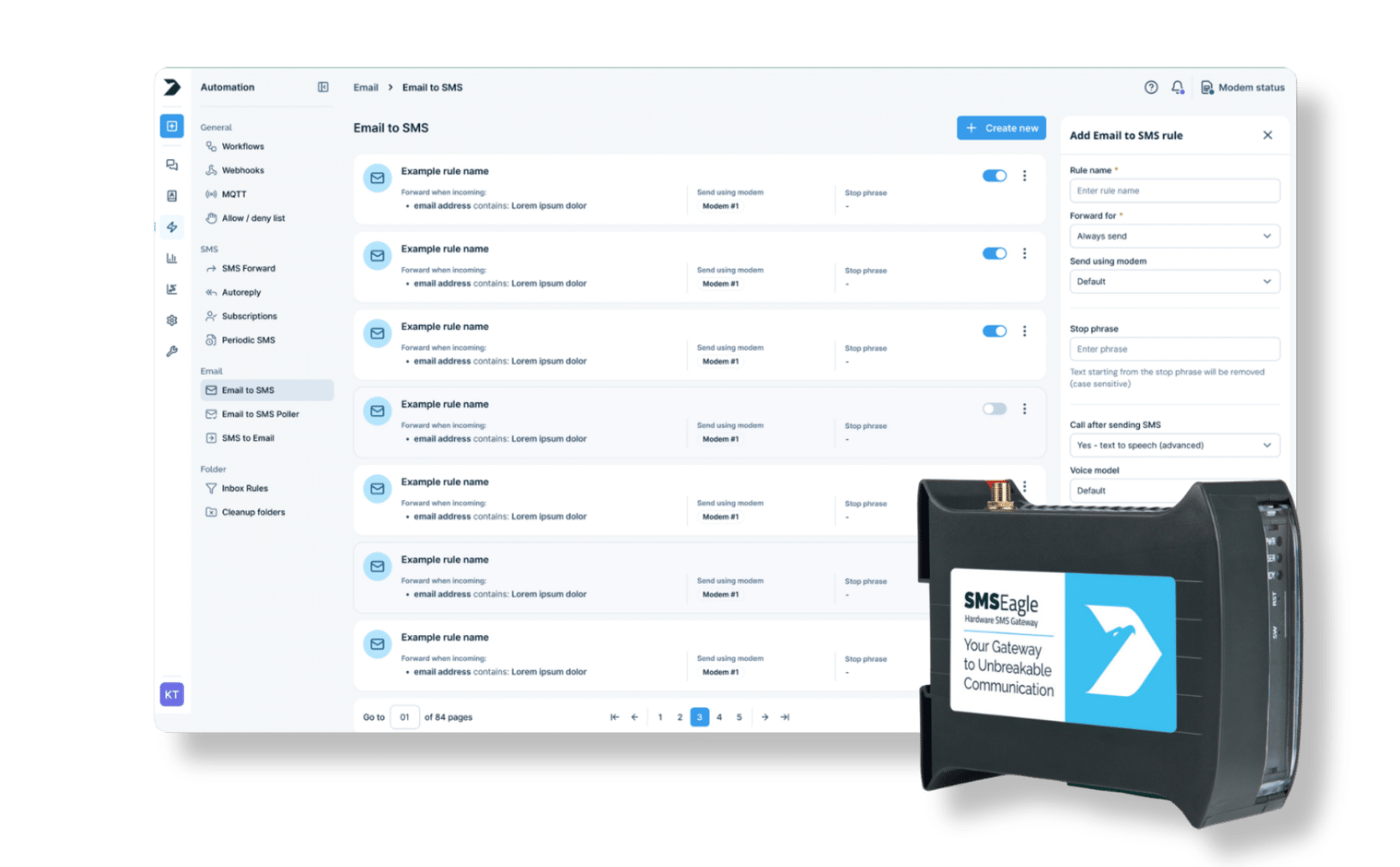
With Email to SMS, any system that can send an email can send SMS notifications to a phone number or a Phonebook group.

Receive SMS messages

Incoming SMS messages from mobile phones appear in conversations, one thread per phone number, with tabs for unread, queued and failed messages, so incoming texts support two-way messaging and two way communication with users, including two way sms replies from recipients. They can be forwarded to an email address or published to your MQTT..

Delivery reports and message status

A webhook can push incoming messages, sent messages, delivery reports and sending errors, together with the message status, to your own application, so your system gets delivery updates without polling the API; under normal conditions, message delivery typically happens within seconds, often around 1–5 seconds, while delivery reports confirm the result.

Ready-made integrations

SMSEagle also offers ready-made plugins for monitoring, authentication and service-desk systems. When evaluating any SMS gateway service for external integrations, compare integration options and, for broader deployments, choose a provider with global coverage, global reach, and low-latency delivery. See the full list on the integration plugins page.

Regulatory Compliance with SMSEagle

SMSEagle on-premise SMS gateway helps ensure compliance with regulations like GDPR and TCPA by keeping all message data and processing within your controlled environment. This reduces risks associated with third-party providers and enhances data privacy and security. With SMSEagle, you maintain full control over consent management, message content, and data storage, supporting your organization’s adherence to legal requirements for SMS communication.

14-day free trial

Try a hardware SMS gateway

You can test a physical SMSEagle device for free for 14 days. See how 40+ built-in features, from Email to SMS to network monitoring, fit your workflow.

SMSEagle hardware SMS gateway

FAQ

What is the difference between an SMS gateway on premise, self-hosted and local?

It runs on your premises and under your control. It is a device with its own web interface and database, not software you install on a server of your own.

Yes. The device uses your SIM cards, so you choose the operator and the plan.

On the device, in its built-in database, inside your network. You set how long they are kept with cleanup rules.

Yes. The built-in REST API (API v2) is made for integrating the gateway with external systems and applications, with a separate API key and permissions for each integration.

A webhook can send your system a request whenever a delivery report comes back, as well as for sent messages, sending errors and incoming messages.

Yes, with the multi-modem models: the NXS-9750 has two modems and the MHD-8100 has eight, each working with your own SIM card.