How to integrate an SMS gateway: 4 ways to connect your system

Integrating an SMS gateway means connecting your software to it, so the software can send text messages and receive replies automatically. There are four main ways to do it: a ready-made plugin, an API, Email to SMS and SMPP.

Table of Contents

Quick answer: how to integrate an SMS gateway

There are four basic ways to integrate an SMS gateway: a ready-made plugin, the API, Email to SMS and SMPP. They let your system send text messages and, depending on the method, receive replies. We have more than 90 ready-made integrations, so check first whether your system is one of them. If it is not, the API suits your own application, Email to SMS needs only a system that can send e-mail, and SMPP serves platforms that work as SMPP clients. If you are still choosing the gateway itself, start with SMS gateway: what it is and which type to choose.

What does it mean to integrate an SMS gateway?

An SMS gateway connects your systems to mobile networks. Integration is the link between your system and the gateway. It works in two directions:

  • Sending: your system triggers a message, for example a monitoring alert, a one-time code or a notification.
  • Receiving: the gateway passes an incoming SMS, or a message status, back to your system.

The four ways to integrate an SMS gateway

MethodBest whenWhat your system needsExample
Ready-made pluginYour system is on the list of supported integrationsA setup following the integration manualZabbix
APIYou write your own application, or your system can call a URLThe ability to send HTTP requestsCustom application
Email to SMSAPI integration is not possible, but your system can send e-mailAn e-mail notification channelFortiGate
SMPPYour platform works as an SMPP clientThe user name and password set on the gatewayDAKS

1. Ready-made plugin

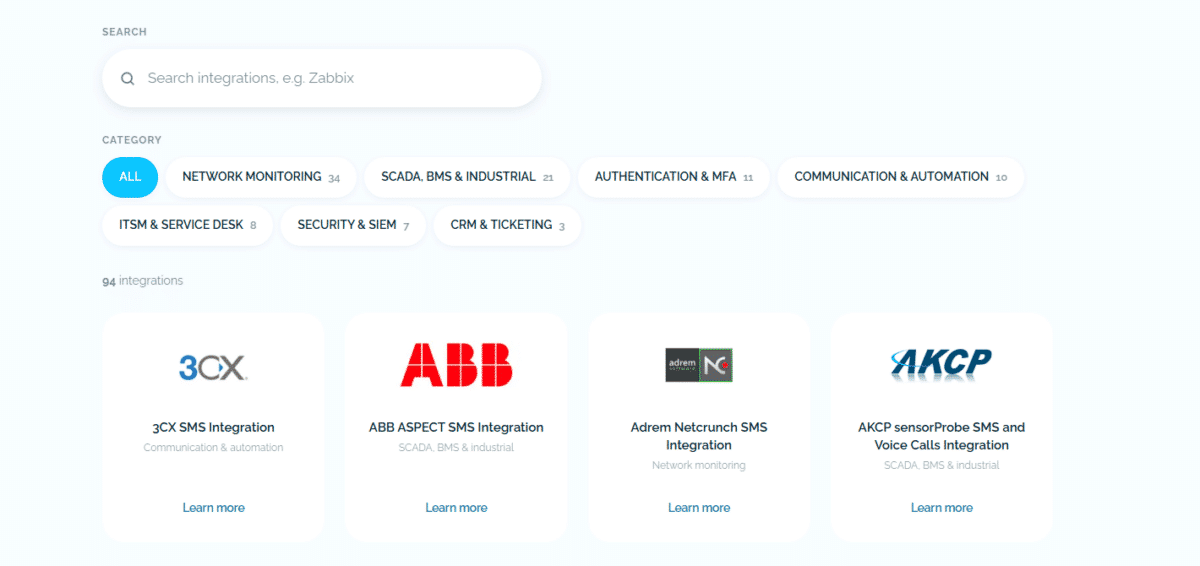
Use a ready-made plugin when your system is on our list of integrations. The list has over 90 ready-made integrations for network monitoring, SCADA and building management, authentication, communication, ITSM, security and CRM systems. Each system has its own page with a step-by-step manual, and the methods behind them differ. If your system is not on the list, use one of the methods below or contact us for help with integrating it.

2. API

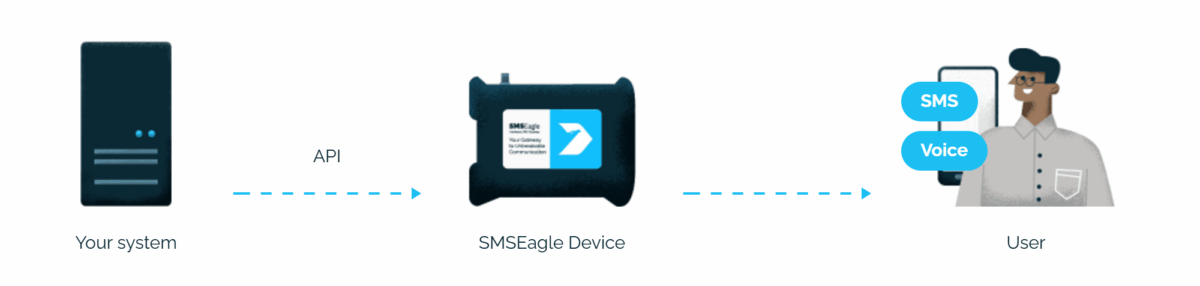
Use the API when you write your own application, or when your system can send HTTP requests to a URL. With the API, your application sends a request to the gateway and the gateway sends the message. SMSEagle has two versions. API v2 is a RESTful API based on the OpenAPI 3.0 specification and is recommended for new projects. API v1 is a simple HTTP and JSON-RPC API for existing projects and backward compatibility. The documentation is on the API page.

For API v2, you create an API key in the web interface (Settings > API > API v2). You choose the user the key acts as and switch on the permissions you need, for example for sending SMS or MMS. The key is shown only once, right after it is created, so copy it then. Your application then authenticates with this key.

3. Email to SMS

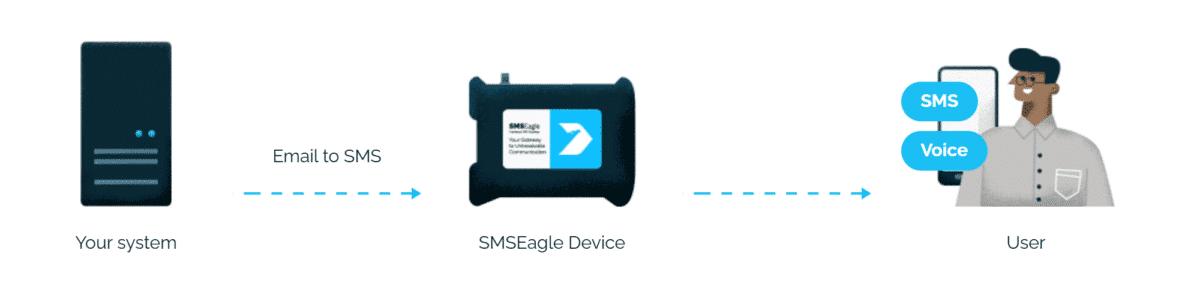
When API integration is not possible but your system can send e-mail, use Email to SMS. Your system sends an e-mail to the address PHONE_NUMBER@IP_ADDRESS_OF_SMSEAGLE and the gateway converts it into an SMS. You can also address a contact or a group from the gateway’s Phonebook (it must be public), for example db-admins@IP_ADDRESS_OF_SMSEAGLE. The body of the e-mail becomes the text of the message, and a setting lets you include the subject as well.

You enable the service under Settings > Channels > Email > Email to SMS, which starts the gateway’s own mail server, and create a forwarding rule under Automation > Email > Email to SMS. That mail server accepts only messages addressed to it. If your messages arrive in a mailbox instead, the Email to SMS Poller fetches them from there. See the Email to SMS feature page.

4. SMPP

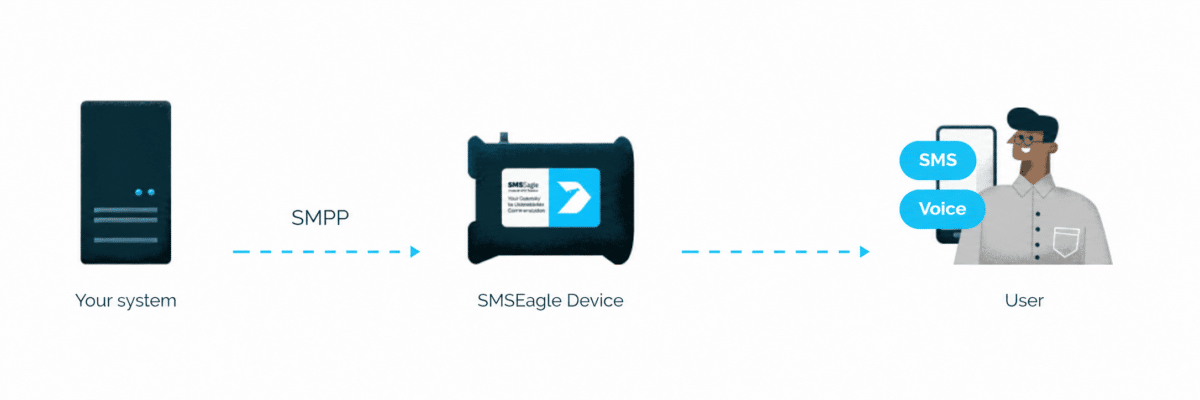
Use SMPP when your platform works as an SMPP client. SMPP is a protocol used in the telecommunications industry, often to let third parties send messages to SMS gateways. The SMSEagle SMPP server receives SMS requests and sends them through the SIM card, and it forwards incoming SMS to the SMPP client. You can also receive delivery reports. It uses SMPP 3.4 on TCP port 2770, and your client binds with the user name and password you set under Settings > Channels > SMPP. After you save the settings, you must reboot the device. See the SMPP Server feature page.

Other ways to connect

  • Webhook (Callback URL): every incoming SMS or MMS triggers an HTTP(S) request to a URL you define, with GET or POST. You can filter by sender or message content. The same feature can notify your system when the status of an outgoing message changes (sent, delivered or error). You can send a test request from the rule form before you save it. See Webhooks. 
  • MQTT: the gateway converts an MQTT message into an SMS and an incoming SMS into an MQTT message, using your existing broker. This is useful for IoT devices. See MQTT.
  • SNMP Trap: the Network Monitoring feature can send an SMS when it receives a trap that matches your rule (source IP address and object ID). See Network monitoring.

What to prepare on your side

Whichever way you choose, you need:

  • A gateway that your system can reach in the network (its IP address).
  • A SIM card inside the gateway.
  • A way to pass the phone number and the message text from your system.

The setup steps specific to each method are described above.

Test the integration

Send a test message from your system to your own phone first. If it does not arrive, check the gateway:

  • System info: the signal strength, network name, SIM status and registration status of the modem (System > System info).
  • Message folders: the Errors tab in SMS Conversations and the Sending Error folder (Messages > SMS > Conversations and Messages > SMS > Folders).
  • Logs: the device logs under System > Logs, which you can also download.

Frequently asked questions

What is an SMS gateway integration?

It is the connection between your software and an SMS gateway, so your software can send and receive text messages automatically.

If your system is on the list of integrations, use the plugin. If not, use the API when your system can send HTTP requests, Email to SMS when it can only send e-mail, and SMPP when it is an SMPP client.

Yes. A webhook forwards incoming messages to a URL you define, MQTT forwards them to your broker and SMPP forwards them to your SMPP client.

Contact us for help with integrating it. 

Not sure which type of SMS gateway you need?

Read what an SMS gateway is and how hardware and online gateways compare.

Comparison of hardware SMS gateway and online SMS gateway solutions
Sabina Fabian
About the author Sabina Fabian

Engineer by education, marketer by choice. For 6+ years I've combined technology, data, and content marketing to help companies gain a competitive advantage and achieve measurable results. As a Technical Content Specialist at SMSEagle, I develop brand messaging and content that support sales, customer education, and market positioning. A degree in Information Systems gave me a unique perspective at the intersection of business and technology. I believe quality is the only thing worth scaling.