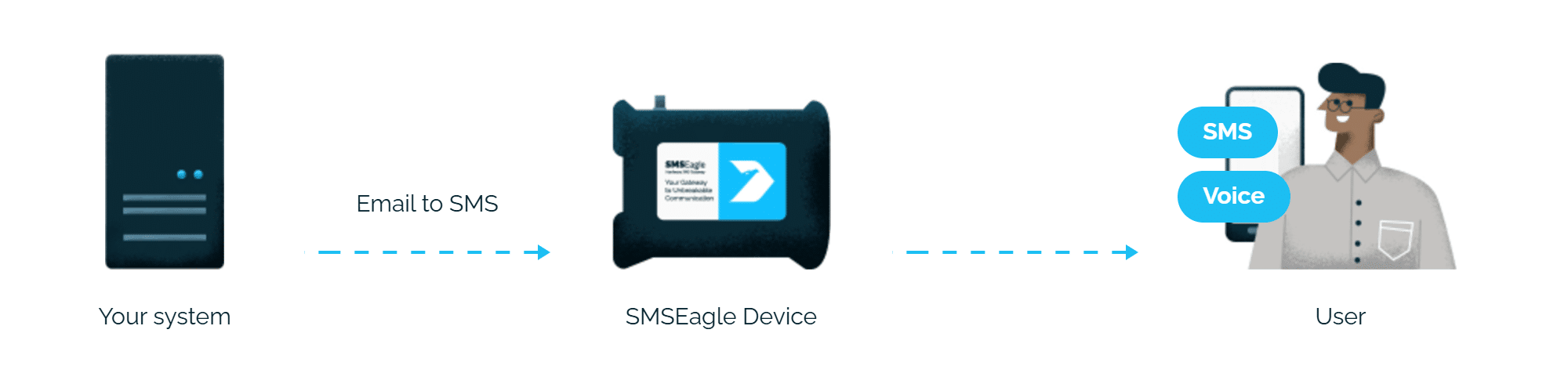
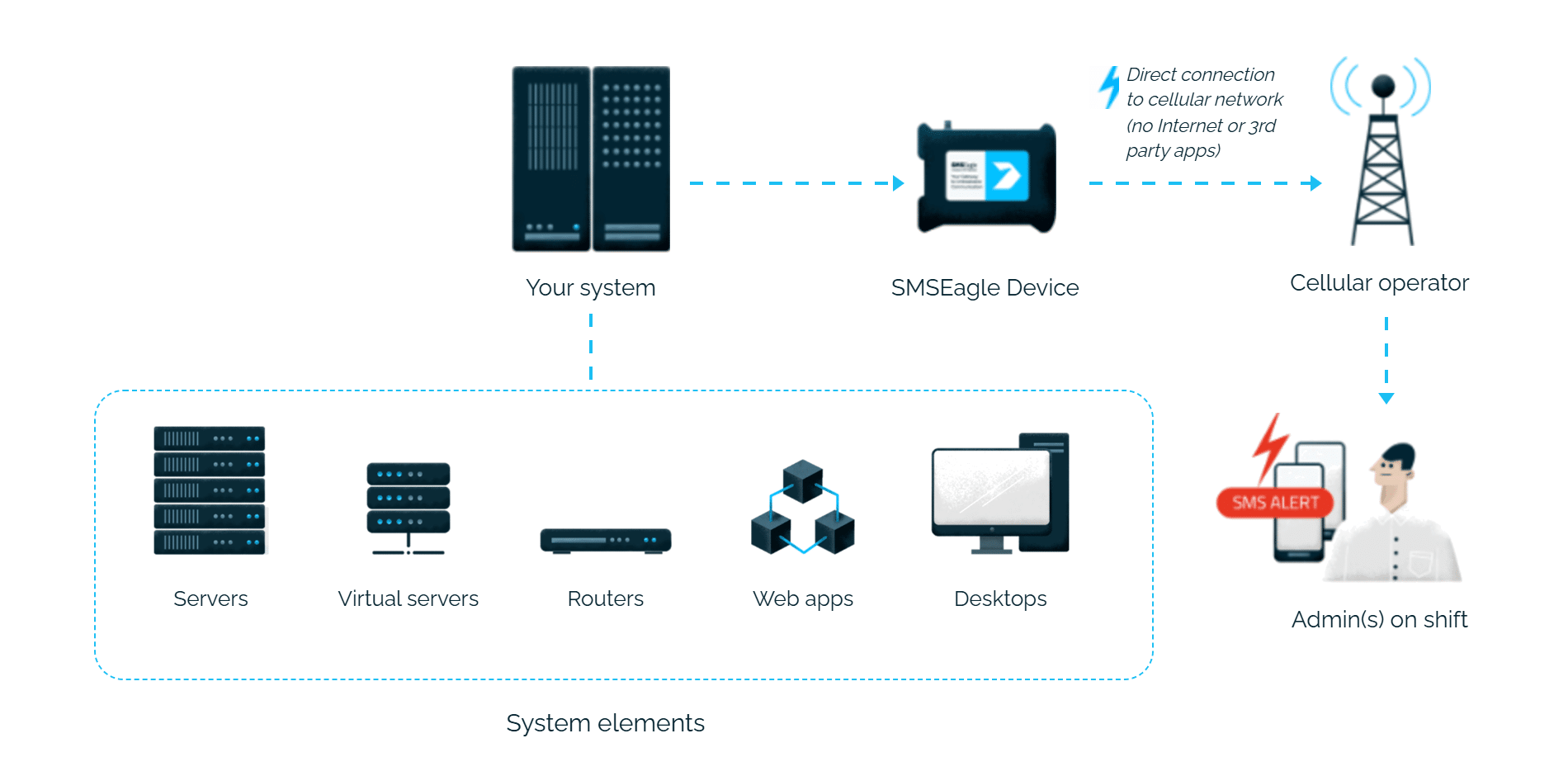
FortiSIEM alerts reach the person on duty as an SMS or a phone call. SMSEagle sends them over its own cellular connection, so they don’t depend on internet access or a cloud service.
FortiSIEM sends its usual incident email to PHONE_NUMBER@SMSEagle_address, and SMSEagle turns it into an SMS.
No mail server needed
SMSEagle can receive emails from FortiSIEM itself, so alerts don’t depend on your company mail server.
Works without internet
SMSEagle sends alerts through its own SIM card straight to the mobile network, so they don’t depend on internet access or a cloud SMS provider.
How it works
1
Event Trigger
FortiSIEM correlates events and raises an incident matching your configured notification rule.
2
Communication
FortiSIEM sends an email notification to a special address in the format PHONE_NUMBER@IP.ADDRESS.OF.SMSEAGLE, using its built-in email and SMS notification settings.
3
Alert
SMSEagle delivers the alert over its own cellular connection, not through a third-party service, as an SMS or a phone call to the recipient’s phone.
Set up in about 10 minutes
Enable the Email to SMS plugin in SMSEagle, and point FortiSIEM’s incident notification settings at your device.
SMSEagle sends FortiSIEM alerts to the right person by SMS or phone call, day and night.
Email or SNMP traps, whichever you already use
FortiSIEM alerts can reach SMSEagle as an email or as an SNMP trap, so you use the method that already fits your security setup.
If the first person doesn't respond, the alert is sent to the next
Escalation groups and shift schedules make sure the FortiSIEM alert reaches the person on duty, and the next person on the list if nobody responds.
An SMS followed by a phone call
After the SMS with a FortiSIEM alert, SMSEagle can also call: a ring-only call or a call that reads the alert aloud. You set it once in the Email to SMS rule.
SMSEagle configuration
Email To SMS plugin
This integration will use the Email to SMS plugin (see details: Email to SMS plugin). This plugin is included in each version of SMSEagle device.
Enable Email to SMS in the web interface: Settings > Channels > Email > Email to SMS. Configure message handling (what to do with the email subject, character limit, MMS conversion) before creating rules.
Create a forwarding rule in Automation > Email > Email to SMS, specifying which modem sends the message and any filtering conditions (sender, subject, content).
Once configured, emails sent to PHONE_NUMBER@YOUR_GATEWAY (or CONTACT_NAME@YOUR_GATEWAY for a Phonebook contact/group) are automatically converted to SMS.
FortiSIEM configuration
FortiSIEM integration can use:
Email To SMS plugin (see details: Email To SMS plugin in SMSEagle and Sending Email and SMS Notifications for Incidents in FortiSIEM).
to achieve the SMS sending function through the SMSEagle gateway.
If you don’t receive an SMS, first check the FortiSIEM notification or incident log. A failed attempt usually means you need to check the configured recipient email address or the SNMP trap destination.
Explore SMSEagle Demo device
SMSEagle is a hardware & software solution that guarantees a swift delivery of your messages to designated recipients, whether it’s for notifications, alerts, or important updates.
After registering to a demo you get a remote access to our physical device NXS-9750.