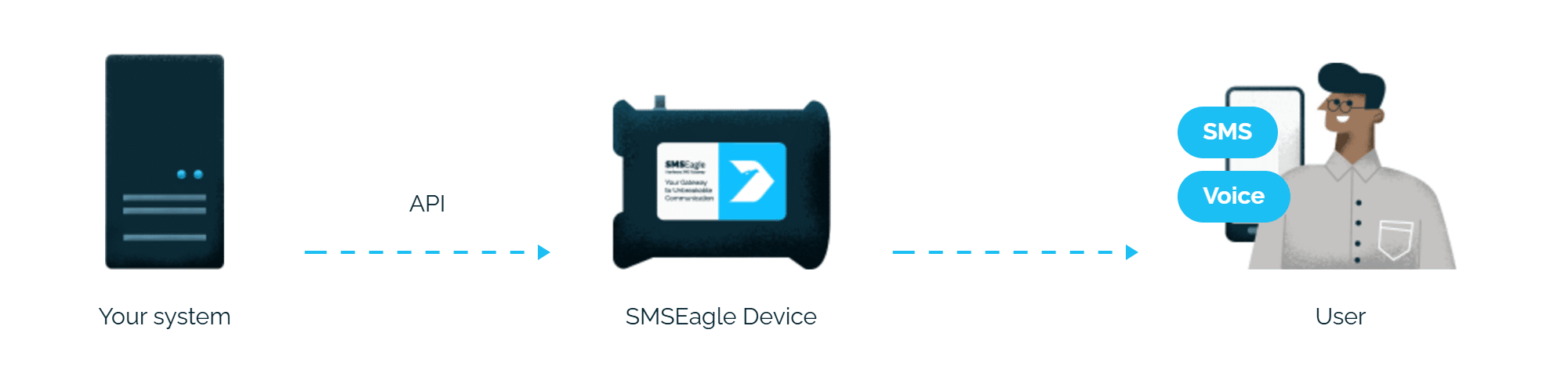
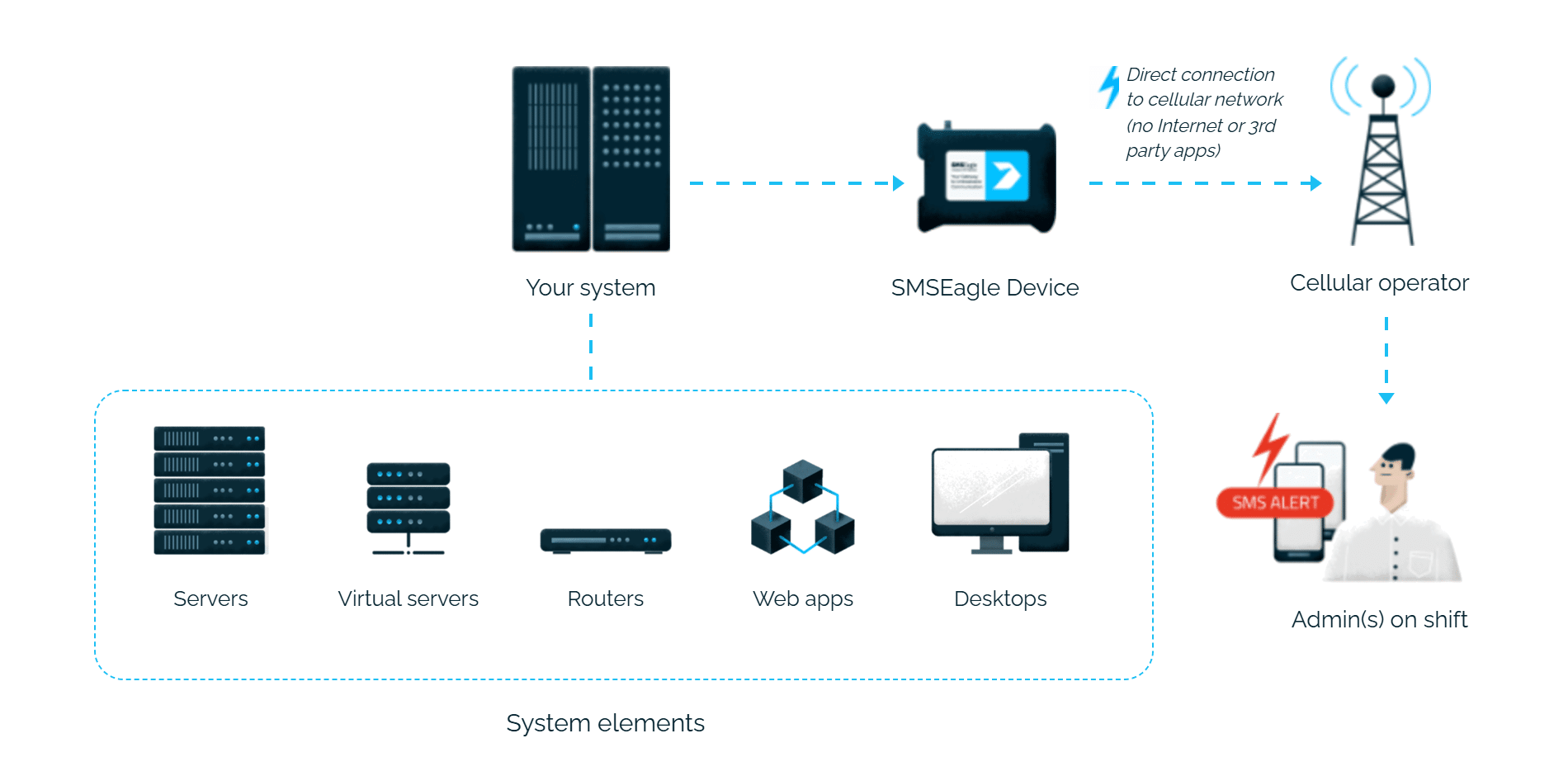
Elasticsearch alerts reach the person on duty as an SMS or a phone call. SMSEagle sends them over its own cellular connection, so they don’t depend on internet access or a cloud service.
ElastAlert2 has a built-in SMSEagle alerter, so you only add the device address and API key to your rule.
Send to numbers, contacts or groups
In the rule you choose phone numbers, contacts or whole groups from the SMSEagle phonebook.
No password stored in the settings
Elasticsearch connects to SMSEagle with an API key, so no username or password has to be saved in the configuration.
How it works
1
Event Trigger
An ElastAlert2 rule matches a condition in your Elasticsearch data, for example an error spike or a security event.
2
Communication
ElastAlert2’s built-in SMSEagle alerter sends an HTTP API request to the SMSEagle device over your local network.
3
Alert
SMSEagle delivers the alert over its own cellular connection, not through a third-party service, as an SMS or a phone call to the recipient’s phone.
Set up in about 10 minutes
Setup is easy and should take about 10-15 minutes. Generate an API token in SMSEagle, add the SMSEagle alerter to your ElastAlert2 rule, and you’re done.
SMSEagle sends Elasticsearch alerts to the right person by SMS or phone call, day and night.
SMS and voice calls from one device
SMSEagle sends Elasticsearch alerts as an SMS, a ring-only call or a call that reads the alert aloud, all from a single device.
If the first person doesn't respond, the alert is sent to the next
Escalation groups and shift schedules make sure the Elasticsearch alert reaches the person on duty, and the next person on the list if nobody responds.
Alerts keep working even if one device fails
Two SMSEagle devices can work as an HA cluster: if one fails, the other takes over sending.
SMSEagle configuration
Create a new user in SMSEagle (menu System > Users, user access level: “User”).
Create an API key for that user:
go to Settings > Global settings > API and open the API v2 page
click Create API key, fill in Key name and select the user created above as Owner
For text messages, add access permissions in section Messages for: Send SMS
For voice call alerting, add access permissions in section Calls for: Make a ring call, Make a TTS call, Make a TTS Advanced call.
click Create key. The access token is shown only once, right after saving, so copy it now
smseagle_token: API access token (can be generated in Settings > Global settings > API > API v2)
smseagle_message_type: Message/call type to send. Available values: sms, ring, tts, tts_adv respectively for SMS, Ring call, TTS call and Advanced TTS call.
Required one of:
smseagle_to: Phone number(s) to which you want to send a message
smseagle_contacts: Name(s) of contact(s) from the SMSEagle Phonebook to which you want to send a message
smseagle_groups: Name(s) of group(s) from the SMSEagle Phonebook to which you want to send a message
Optional:
smseagle_duration: Call duration, required for Ring, TTS and Advanced TTS call. Default value: 10
smseagle_voice_id: ID of the voice model, required for Advanced TTS call. Default value: 1
smseagle_text: Override notification text with a custom one
SMSEagle is a hardware & software solution that guarantees a swift delivery of your messages to designated recipients, whether it’s for notifications, alerts, or important updates.
After registering to a demo you get a remote access to our physical device NXS-9750.