Build a report from your message history for any period you choose, or have SMSEagle generate it and email it to you daily, weekly or monthly. Statistics gives you the same for aggregate traffic figures instead of individual messages.
Someone asks how many alerts went out last month. Reports & Statistics builds the answer from your message history in a few clicks, or emails it to you on a schedule.
Get the answer in a few clicks
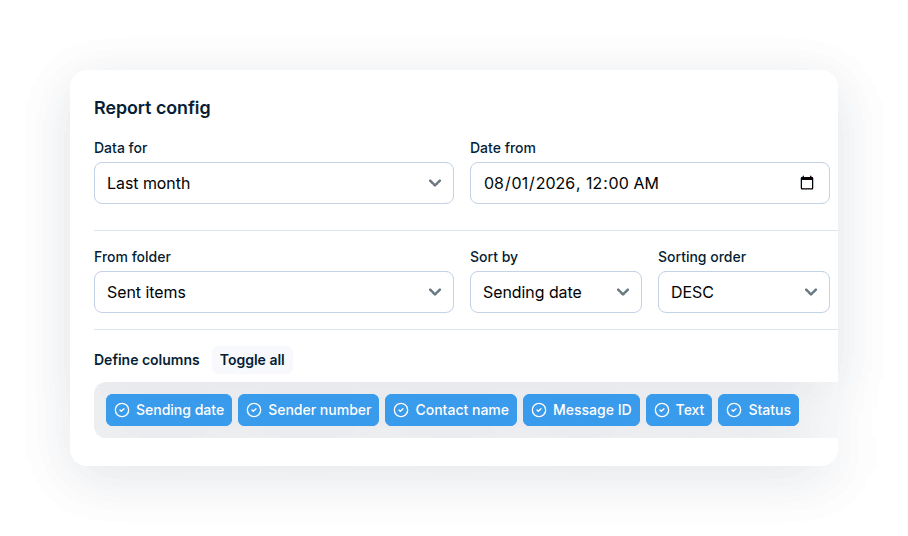
Pick a date range, a folder and the columns you need, and generate a report for that period. No export scripts, no spreadsheets to clean up.
Let reports arrive on their own
Set a daily, weekly or monthly schedule once. SMSEagle emails the report as PDF or CSV to the address you choose.
See the traffic, not only the messages
Statistics gives you aggregate traffic statistics for the period you choose, instead of one row per message. You can run it on demand or send it on a schedule.
Choose a preset range such as Today, Last 7 days or This month, or set your own dates. Select the folder (Sent items, Inbox or Outbox), merge multipart messages into one row, include messages from your own folders and sort the results the way you need. Pick the columns that appear and click Generate report.
Periodic Reports
Send reports by email, automatically
Set the interval to daily, weekly or monthly, choose PDF or CSV, and enter the recipient and subject. You can filter by message text or sender number and select the columns to include. A working SMTP configuration is required.
Statistics
See how much traffic goes through your device
Statistics works like Reports, with the same date ranges, folders and options. Instead of one row per message, it gives you aggregate traffic statistics for the period.
Periodic Statistics
Get traffic statistics delivered on schedule
Schedule the Statistics report to be generated and emailed automatically. Use the same sending options as Periodic Reports: recipient, subject, a daily, weekly or monthly interval, and PDF or CSV. Choose the data source folder and save the configuration. A working SMTP configuration is required.
SMSEagle combines hardware and software into a single, self-contained gateway. It is designed for critical environments, so security is built in from the ground up, confirmed by CE, FCC, UKCA, PTCRB and other global certifications.
What is the difference between Reports and Statistics?
Reports list your messages, one row each, with the columns you choose. Statistics gives aggregate traffic figures for the same period and options instead of individual messages.
Can reports be emailed automatically?
Yes. Periodic Reports and Periodic Statistics send a PDF or CSV by email every day, week or month. They need a working SMTP configuration on the device.
Which messages can a report include?
Messages from Sent items, Inbox or Outbox, depending on the report, and optionally messages moved to your own folders. Periodic Reports use Inbox or Sent items. A long SMS split into several parts can be merged into one row.
Can I filter the data in a periodic report?
Yes. Periodic Reports can be filtered by message text and sender number, sorted by the field you choose, and limited to the columns you need.
What file formats are available for scheduled reports?
Scheduled reports and statistics are sent as PDF or CSV, whichever you select in the sending options.
Which SMSEagle devices support Reports & Statistics?
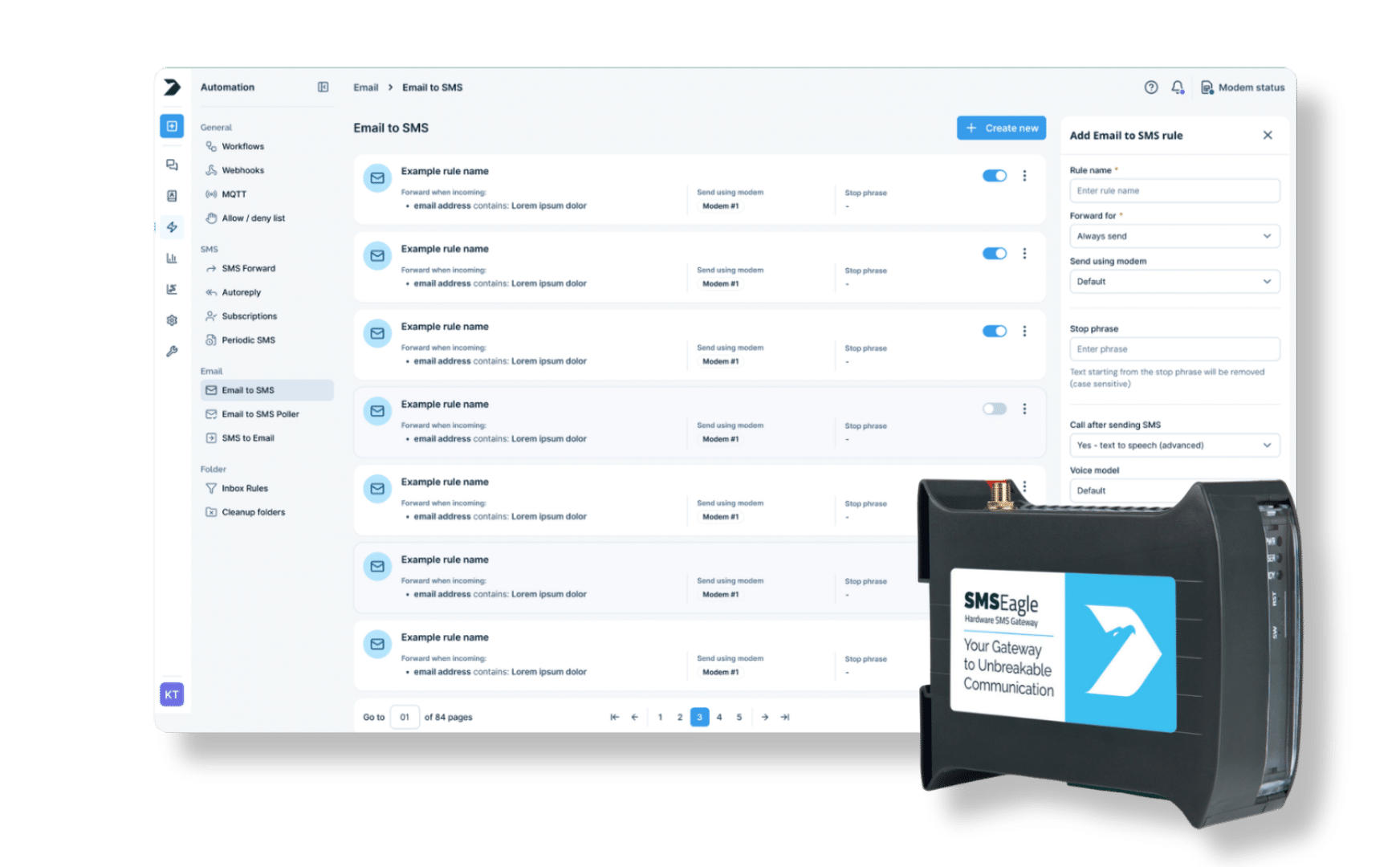
Reports & Statistics is a built-in feature available on all current SMSEagle hardware gateways.