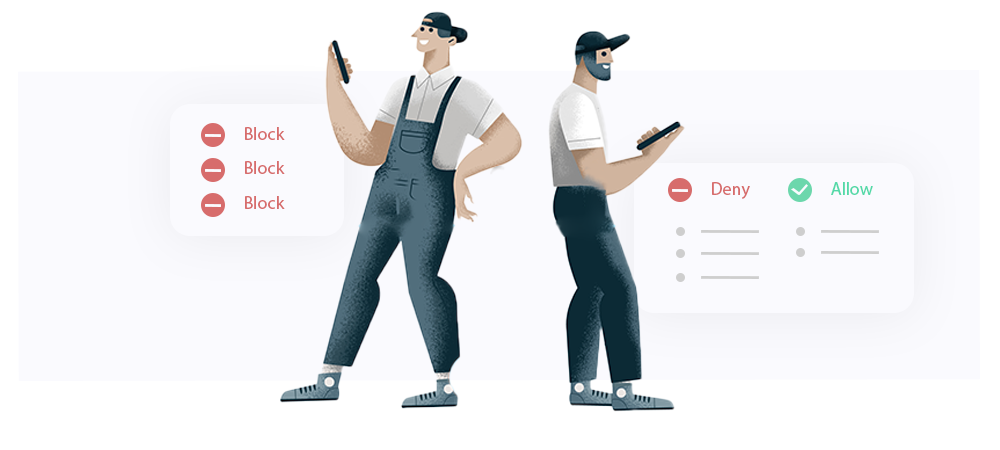
The traditional Blacklist feature has been replaced by the Allow/Deny List, providing a more flexible and unified way to control SMS traffic on your SMSEagle device. The new Allow/Deny List enables bi‑directional control over both incoming and outgoing SMS communication.
The feature operates in two mutually exclusive modes:
- Allow Selected: only explicitly defined phone numbers or number ranges are permitted. All other inbound and outbound SMS traffic is blocked, creating a closed and highly controlled communication environment.
- Deny Selected: all numbers are allowed by default, except those explicitly listed. SMS messages to or from denied numbers or ranges are blocked.
Phone numbers can be defined individually or as ranges using wildcards, allowing efficient management of large number groups.
In addition, the STOP Word mechanism automates opt‑out handling by monitoring incoming SMS content. When a defined STOP word is detected, the sender’s number is automatically added to the Deny List, preventing any further communication with that number according to Deny Selected rules.
Overall, the Allow/Deny List replaces traditional blacklist filtering with a single, consistent mechanism for inbound and outbound SMS control, making it especially suitable for integrations, automation scenarios, and security‑sensitive deployments.