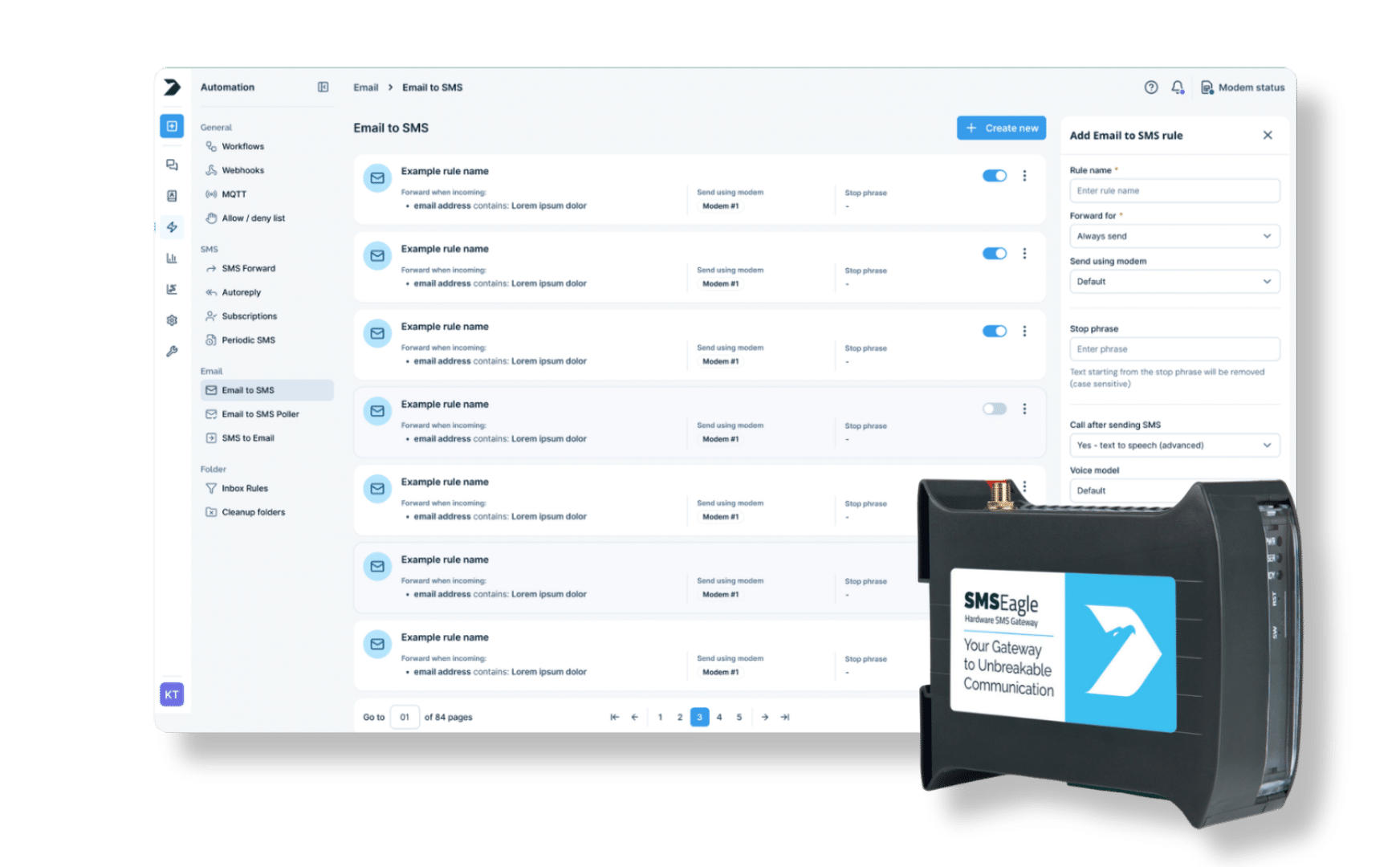
Getting a message out over SMS from a system that can only send email usually means integrating an external gateway. Email to SMS uses SMSEagle’s built-in SMTP server, so any system that can send an email can send an SMS, no cloud relay or third-party platform required.
Switch on Email to SMS in Settings and SMSEagle starts receiving email directly. If the device is behind a router or you want to use your own domain, your IT team forwards port 25 to it and sets the DNS records. An attached photo can be sent as an MMS (Send as MMS option).
The address itself is the destination
Turn any email address into an SMS route
Send to an address like 123456789@sms.yourdomain.com, or use a public contact or group name instead of the number, both route the same way.
Clean messages, not full email threads
Trim signatures and footers with rules you define
Configure trimming and formatting rules so only the relevant text is sent as an SMS, not the sender’s full signature block.
Keep every rule under control
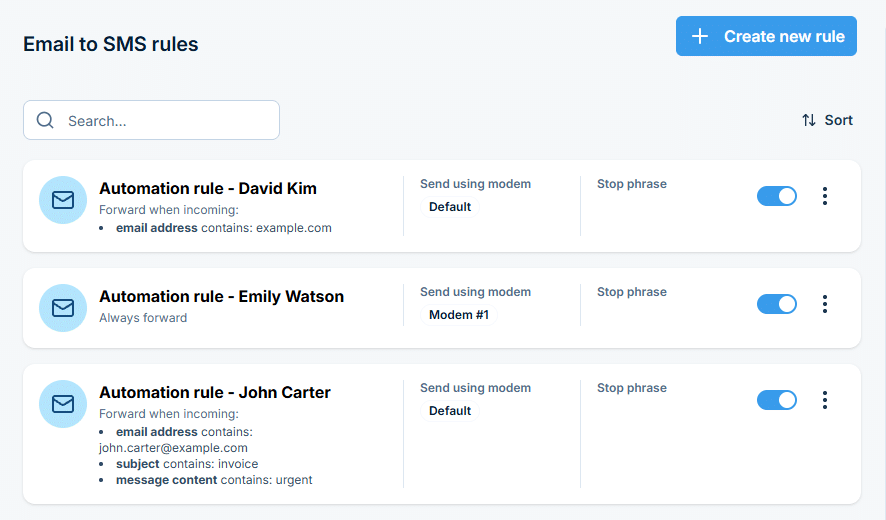
Review, edit, and disable rules from one list
See every Email to SMS rule in the web interface, and turn any of them off instantly if it’s no longer needed.
SMSEagle combines hardware and software into a single, self-contained gateway. It is designed for critical environments, so security is built in from the ground up, confirmed by CE, FCC, ISED, UKCA, PTCRB, RCM, IMDA, TDRA, CB Scheme, GCF, carrier certifications (Verizon, AT&T) and ISO 27001.
No. SMSEagle has a built-in internal SMTP server, so it receives email directly.
How does SMSEagle know who to send the SMS to?
The recipient is set in the email address itself, either the phone number or a Phonebook contact or group name.
Does Email to SMS work without an internet connection?
Yes, messages are sent over the built-in cellular modem, independent of internet access.
Can I strip signatures or footers from the email before it's sent?
Yes, configurable trimming and formatting rules let you control exactly what text gets sent.
Can I see if a message was delivered?
Yes, every message is logged with its status and any errors in the web interface. A message that fails to send is retried several times, like any other SMS, and then marked as Sending error.
How many rules can I create?
You can create and manage multiple rules, each with its own filtering conditions (sender, subject, message content).