Send SMS OTP codes from RSA Authentication Manager
When a user signs in with an RSA on-demand code, the code is sent by SMS through SMSEagle, your own hardware SMS gateway. SMSEagle is RSA Ready certified, and the request stays in your local network.
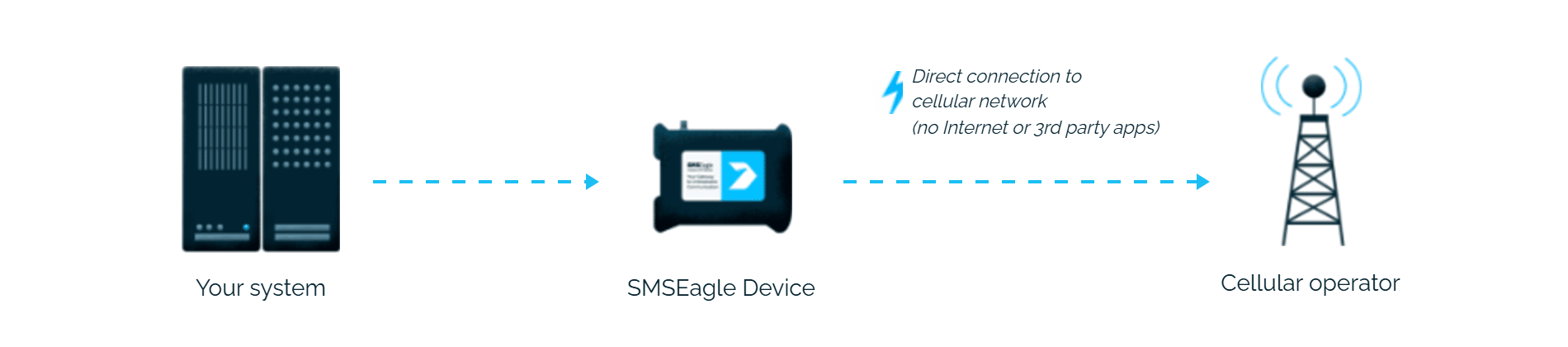
RSA Authentication Manager’s on-demand tokencode delivery normally goes through a cloud SMS provider. The certified SMSEagle HTTP Plug-in keeps the request on your local network and sends the tokencode from your own device over the cellular network.
Works in isolated and air-gapped networks
Cloud tokencode delivery needs outbound internet access from your authentication infrastructure. SMSEagle sends messages on-premises over its own cellular connection, delivering tokencodes even in fully offline installations.
Predictable cost, no vendor dependency
Cloud SMS OTP is billed per message, often at premium authentication rates. SMSEagle sends over a standard SIM at local carrier rates – no per-message fees, no external contract.
How it works
1
On-demand authentication
A user signs in to an agent using their username and on-demand PIN through RSA Authentication Manager.
2
Tokencode request
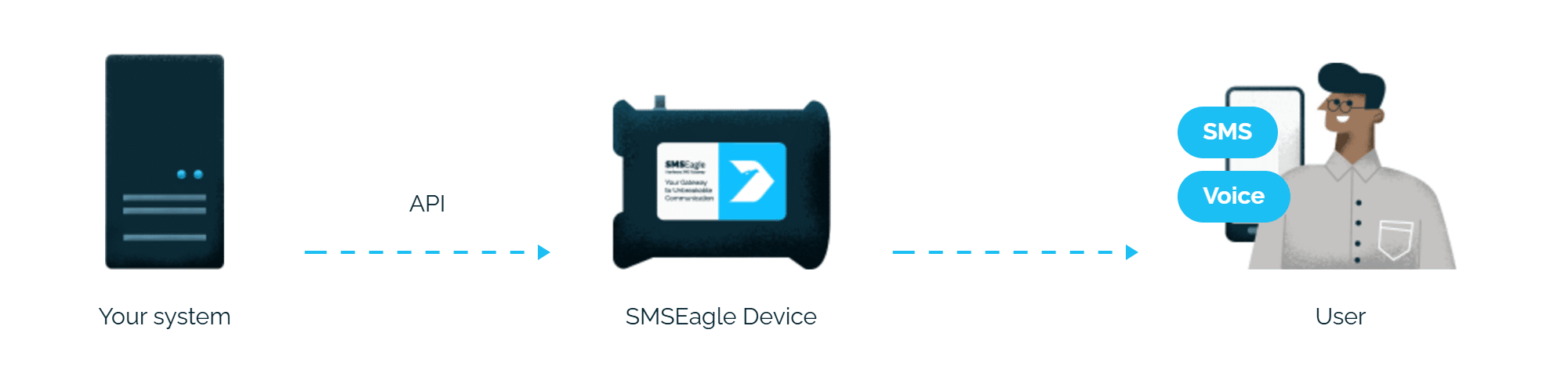
RSA Authentication Manager sends the on-demand tokencode and the user’s mobile number to SMSEagle using the certified HTTP Plug-in.
3
Code delivery
SMSEagle delivers the code over its own cellular connection, not through a third-party service, as an SMS to the user’s own phone.
Set up in about 10 minutes
Install the RSA Ready certified plug-in and point it at SMSEagle, and codes are sent by SMS.
SMSEagle sends RSA Authentication Manager one-time codes by SMS from your own device, with no cloud SMS provider.
Works on any phone
An SMS code needs no app: people receive it on any mobile phone.
Every code sent is recorded
SMSEagle records every code it sends, together with its status, so you can check whether it was received.
Logins work even if one device fails
Two SMSEagle devices can work as an HA cluster: if one fails, the other takes over sending codes.
SMSEagle configuration
RSA Ready-certified HTTP Plug-in
SMSEagle has passed RSA’s official certification process and carries the RSA Ready certification. Install the certified plug-in using the setup guide linked below, then point it at your SMSEagle device.
On the SMSEagle side the plug-in authenticates with the login and password of an API user (APIv1):
Create a new user in SMSEagle (menu System > Users) with access level “User”.
Grant API access to the created user:
go to Settings > Global settings > API and open the API v1 page
click Create API key, fill in Key name and select that user as Owner
Add access permissions in section Permissions for: Send SMS
click Create key. Then, in System > Users, open that user and tick Enable user/password authentication (APIv1 only).
RSA Authentication Manager configuration
RSA Authentication Manager can be configured to use SMSEagle for delivering on-demand tokencodes. When a user authenticates with an on-demand PIN, RSA Authentication Manager sends the tokencode and mobile number to SMSEagle over HTTP, and SMSEagle delivers it to the user’s phone via SMS.
SMSEagle is a hardware & software solution that guarantees a swift delivery of your messages to designated recipients, whether it’s for notifications, alerts, or important updates.
After registering to a demo you get a remote access to our physical device NXS-9750.