Trigger SMS from sensors, or control devices with SMS
Physical signals and SMS rarely talk to each other directly. Digital I/O bridges the two, sensors can raise the alarm by text, and a text can flip a switch in the field.
An alarm panel, pump or door sensor without network access can't send an alert on its own
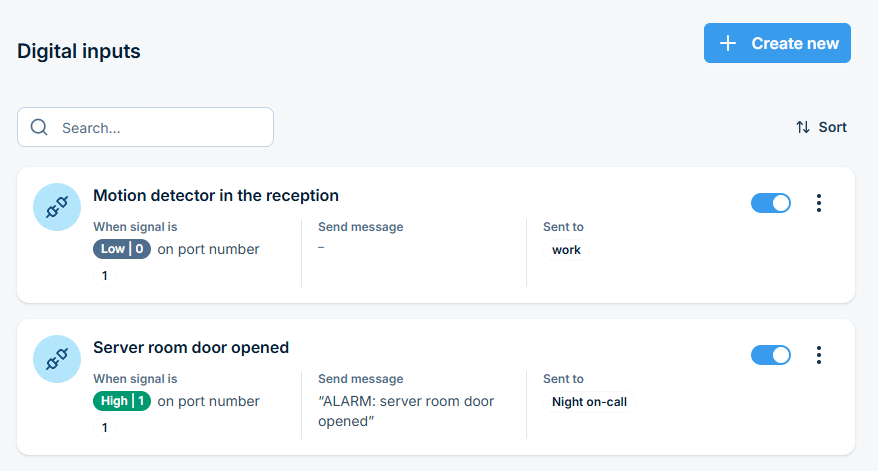
Connect it to a digital input on SMSEagle, and every change in its state sends an SMS to the person you choose.
React to signals from your devices and systems instantly
An input state change can automatically trigger an SMS alert, with the recipient, message text, and behavior you define.
Control equipment with an SMS
An SMS can sound a siren, switch on a pump or restart a machine connected to SMSEagle. Any message works, or only one from a chosen person or with a set word, such as START.
Set how long the device stays on
Set how many seconds the device waits before switching and how long it stays on, for example a siren that sounds for 30 seconds.
Start connecting your hardware to SMS automatically
Configure both sensor-triggered alerts and SMS-triggered actions together, so the full picture of what your device watches and controls is always visible.
Turn a signal into an alert
A signal from your equipment can send an SMS
Pick the port and the state that counts as an alarm, such as a door opening, then set the message and recipient.
Turn an SMS into an action
An SMS can switch on a device
Pick the port your equipment is wired to and the condition: any message, a specific sender, or a specific text.
Control the timing precisely
Set when and for how long the device switches on
Delay the action by a few seconds and choose how long the device stays on, for example 30 seconds for a siren, or leave it on with no time limit.
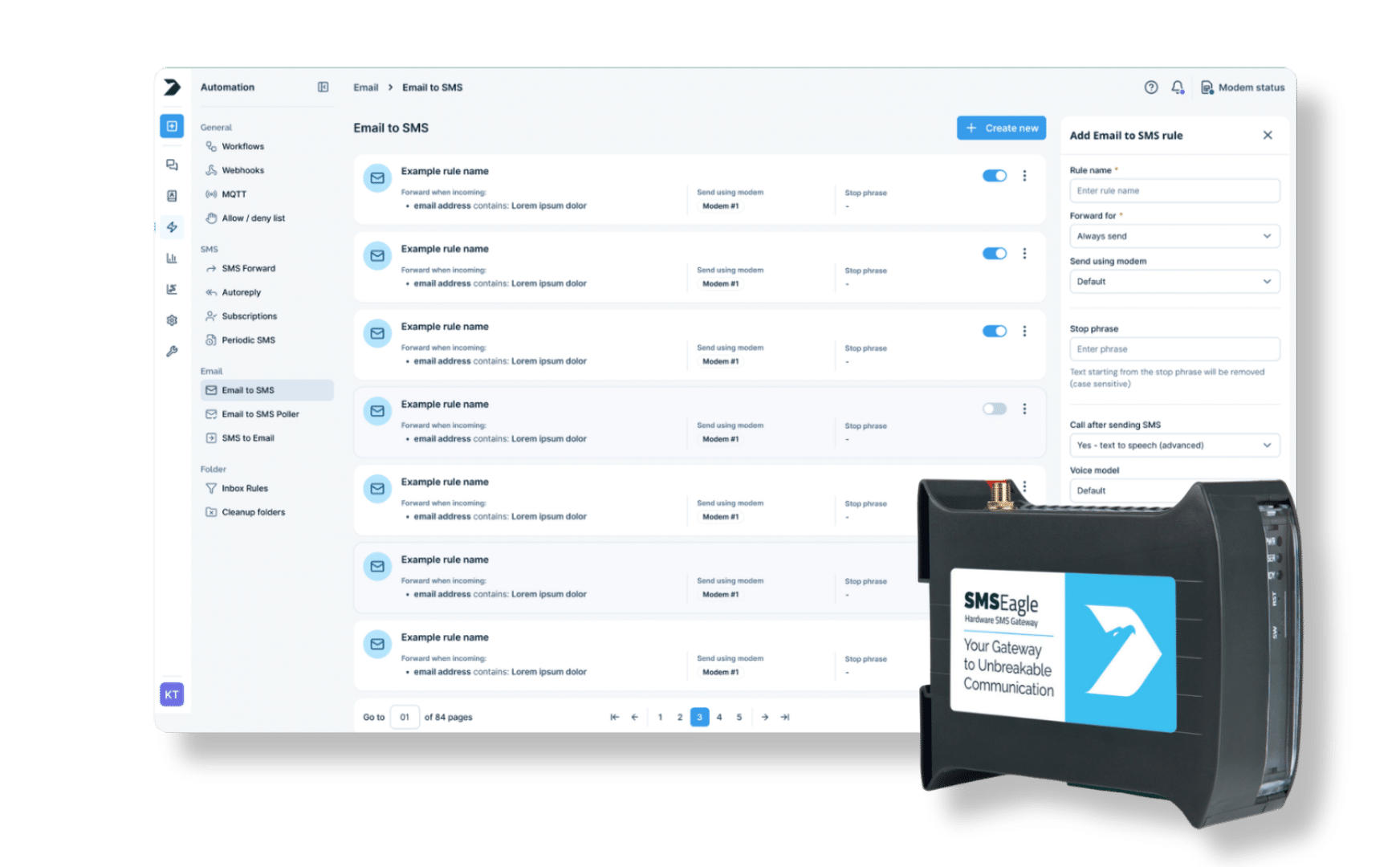
SMSEagle combines hardware and software into a single, self-contained gateway. It is designed for critical environments, so security is built in from the ground up, confirmed by CE, FCC, ISED, UKCA, PTCRB, RCM, IMDA, TDRA, CB Scheme, GCF, carrier certifications (Verizon, AT&T) and ISO 27001.
Digital inputs trigger an SMS when a signal state changes; digital outputs activate a connected device when a matching SMS is received.
What kind of signals can I connect?
Dry contacts (NO/NC), or 12V/24V controlled systems using a relay.
Can an output stay active for a set time?
Yes. Define a signal duration in seconds, or leave it without a time limit. Input rules also support an alert timeout, so a noisy or flickering contact doesn’t turn one real event into a burst of messages.
Can I add a delay before an output triggers?
Yes. Set a delay before the output signal is set.
Can an output be triggered only by a specific sender?
Yes. Trigger a rule only when the incoming SMS comes from a specific phonebook contact and/or contains a given text. Output rules can also send a confirmation SMS back once the port has switched.
Which SMSEagle devices support Digital I/O?
Digital I/O works out of the box on SMSEagle NXS-line devices with built-in digital input and output ports. MHD devices have no built-in DI/DO ports and need the separately sold GPIO Extender.